# Config Classes
Explanation of default configurations for devicecores
# What are Configuration Classes ?
When getting started in Reactor you most likely want to get your configuration done fast, so you can focus on your valuable production. But to do so you need to setup you devices, likely multiple of them, from different manufacturers or of different models.
To make this process easier and to make combining cameras a breeze we have created the concept of **configuration classes**. The different configuration classes basically suggest a group of panels, and define a standardized way of setting up default configurations. With all device cores in reactor supporting this "format" you can now easily combine different devices on a panel, without having to worry about assigning individual actions for these different devices to your controller.
Reactor will cleverly combine the default configuration classes to give you **the best experience out of the box**!
---
##### See what Configuration Class your Panel belongs to here:
[Pro Class Configurations](https://wiki.skaarhoj.com/books/reactor/page/proclass-configurations "ProClass Configurations")
[Standard Class Configurations](https://wiki.skaarhoj.com/books/reactor/page/standardclass-configurations "StandardClass Configurations")
[Light Class Configurations](https://wiki.skaarhoj.com/books/reactor/page/liteclass-configurations "LiteClass Configurations")
[Quick Class Configurations](https://wiki.skaarhoj.com/books/blue-pill-reactor/page/quick-class-configurations)
[Switcher Class Congratulations ](https://wiki.skaarhoj.com/books/blue-pill-reactor/page/switcher-class-configurations)
[Audio Class Congratulations](https://wiki.skaarhoj.com/books/blue-pill-reactor/page/audio-class-configuration "Audio Class Configuration")
# Audio Class Configuration
**Audio Class** configurations are default configurations provided by SKAARHOJ that work with controllers that have at least **4 Faders** as their main components.
To use them in Reactor, select a "Generic Audio" configuration for your panel, then fill the channel config with devices.
See [Audio Class Config](https://wiki.skaarhoj.com/books/blue-pill-reactor/page/audio-channel-config "Audio Class Config") to learn how to configure it.
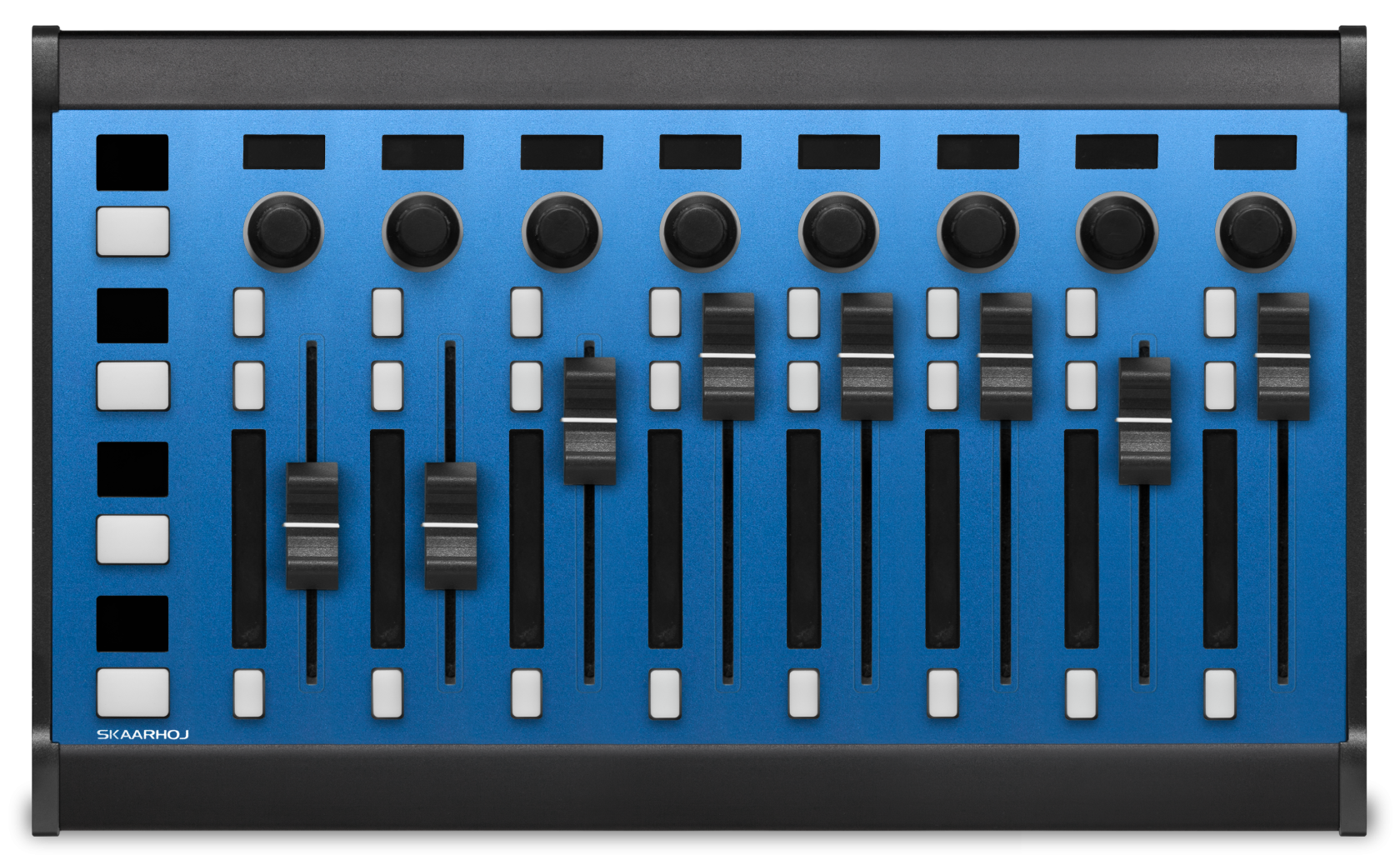
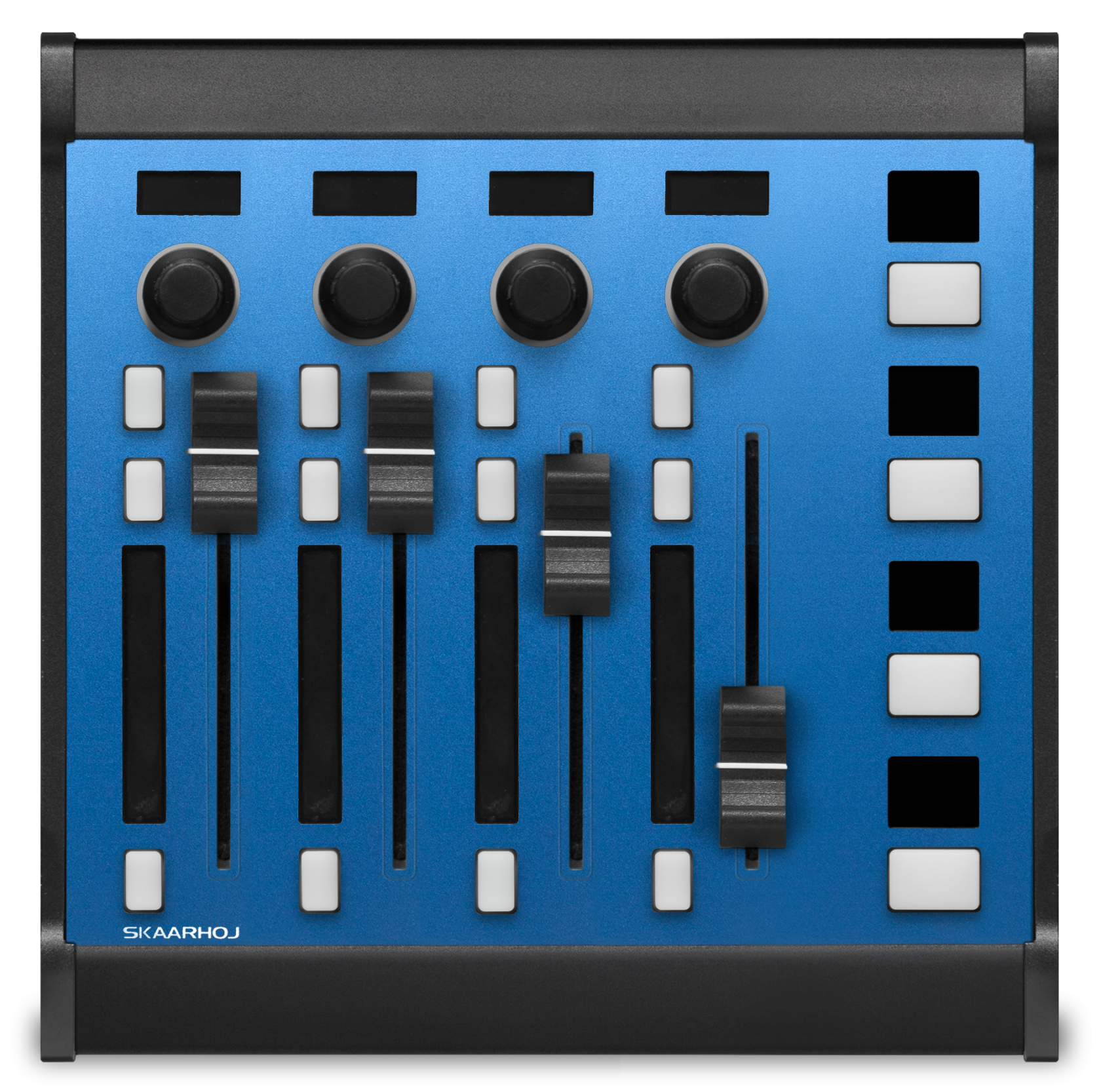
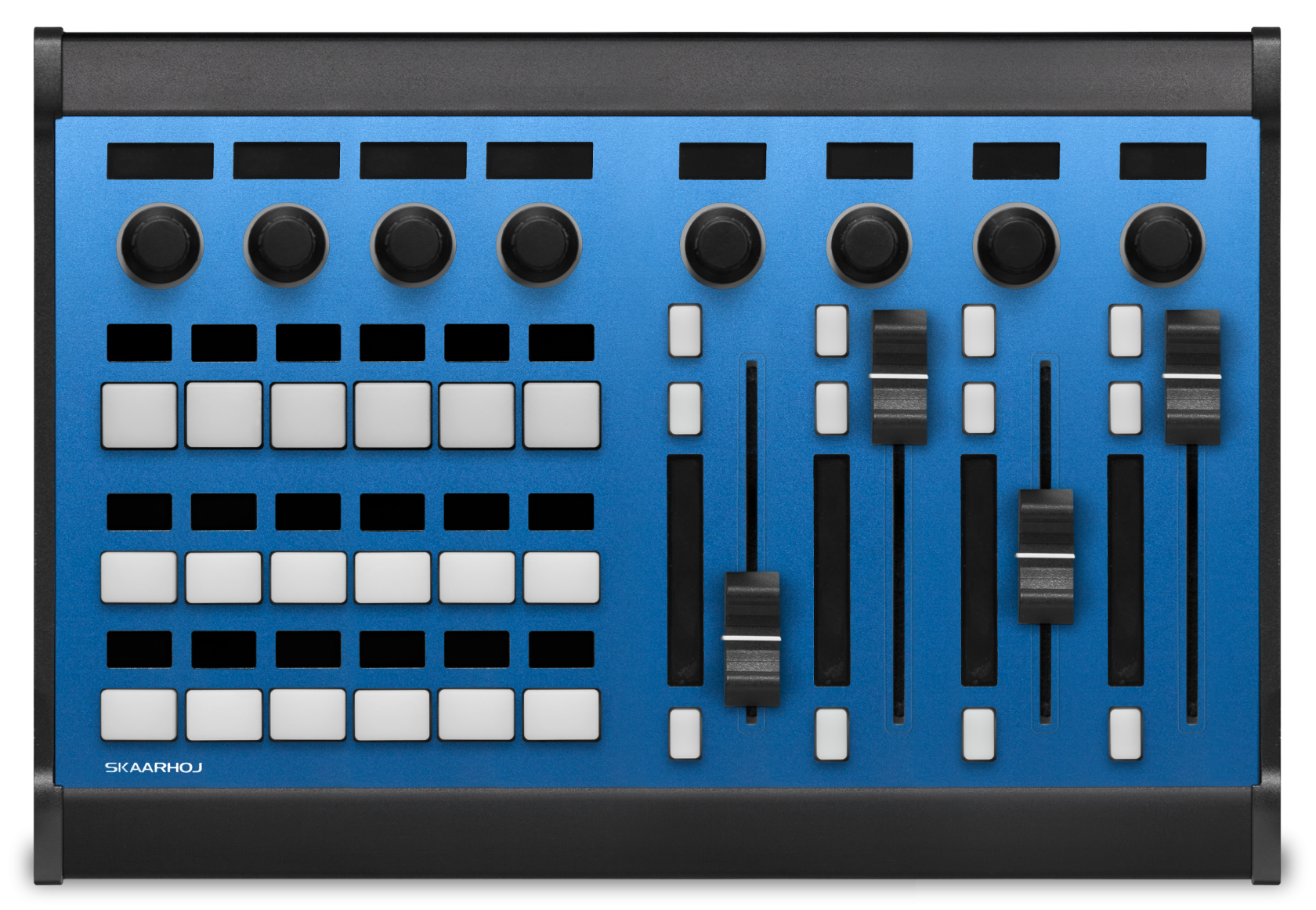
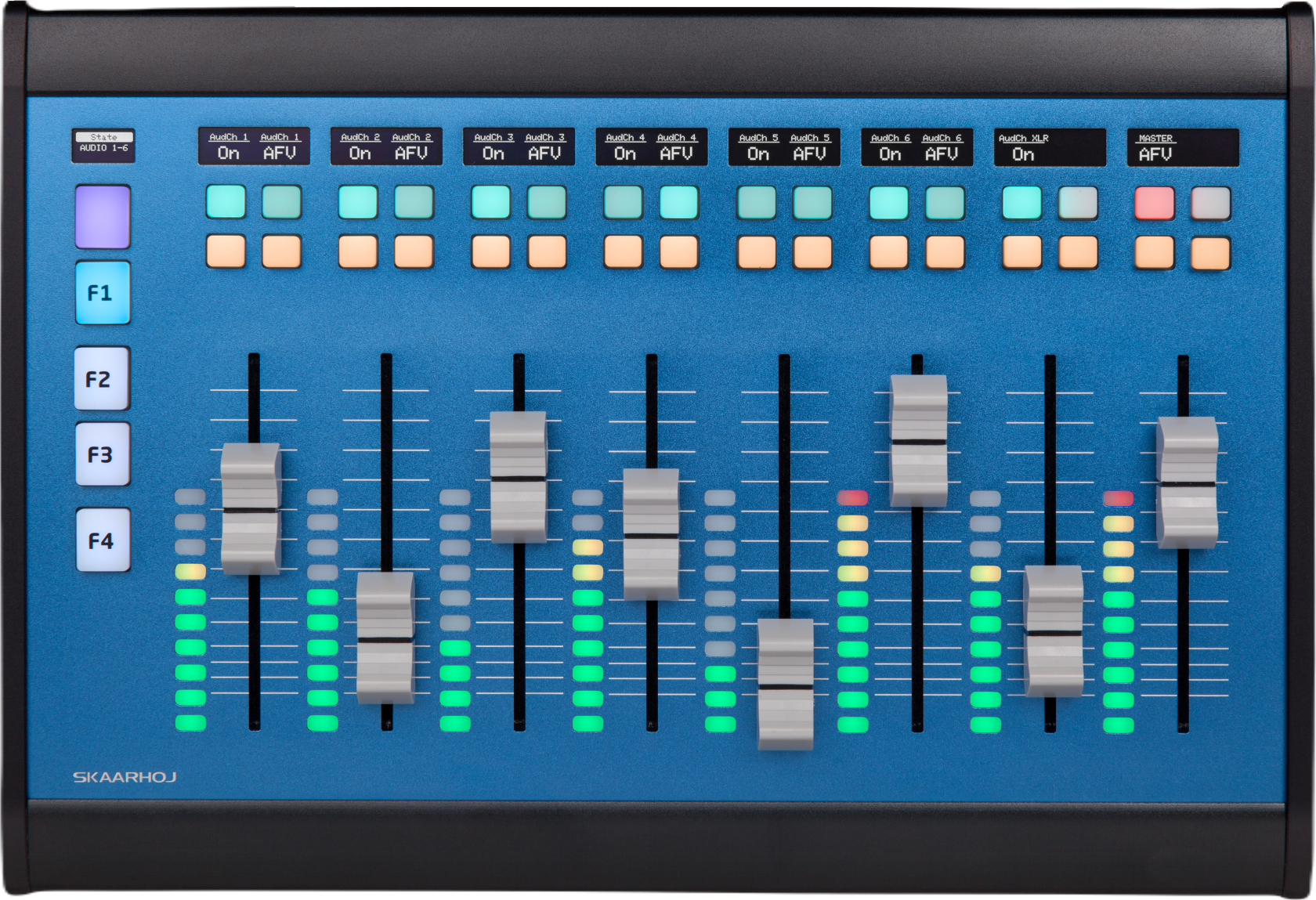
All **Audio Class** compatible controllers are:
#### Wave Board (V2)
[](https://wiki.skaarhoj.com/uploads/images/gallery/2023-11/waveboardv2-top-s254.png)
#### Wave Board Mini
[](https://wiki.skaarhoj.com/uploads/images/gallery/2023-11/waveboardmini-top-s254.png)
#### Color Fly (V2, V3)
[](https://wiki.skaarhoj.com/uploads/images/gallery/2023-11/colorflyv3-top-s254.png)
#### Wave Board (V1)
Wave Board V1 has an alternative setup utilizing the extra two buttons instead of the encoder.
[](https://wiki.skaarhoj.com/uploads/images/gallery/2023-11/DpWwaveboard-bb-topview-id.png)
# Light Class Configurations
**Light Class** configurations are default configurations provided by SKAARHOJ that work with Controllers that have 2 **Encoders** as the main components.
To use them in Reactor, select a "Generic" configuration for your panel, then fill the camera Selector with devices that support **Light Class** controllers.
All **Light Class** compatible controllers are:
#### PTZ Wiz
[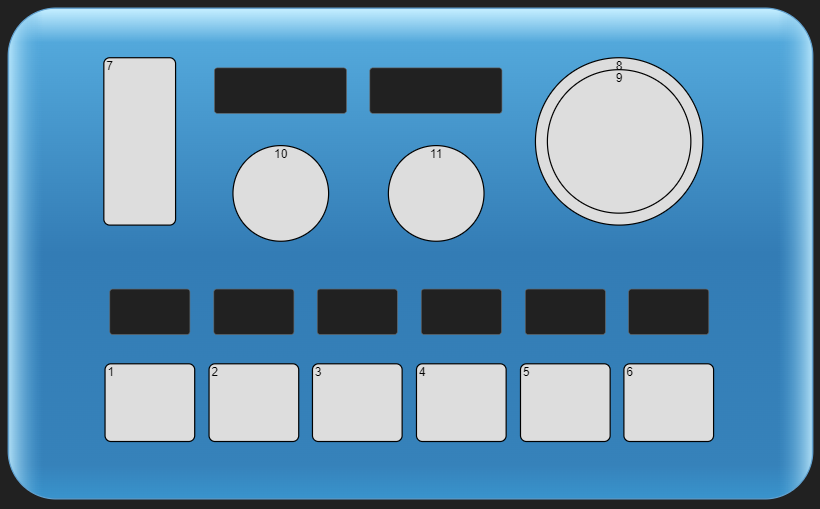](https://wiki.skaarhoj.com/uploads/images/gallery/2022-05/image-1653035991093.png)
#### PTZ Wiz + Frame Shot
[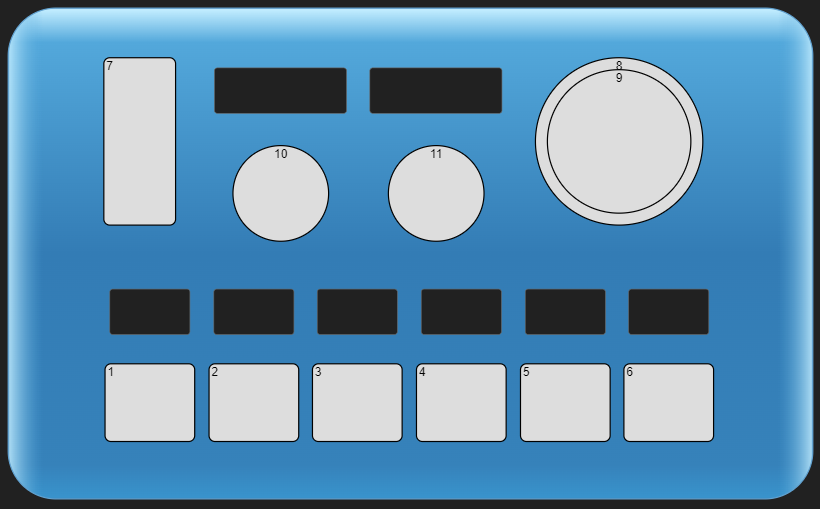](https://wiki.skaarhoj.com/uploads/images/gallery/2022-05/image-1653036004749.png)
[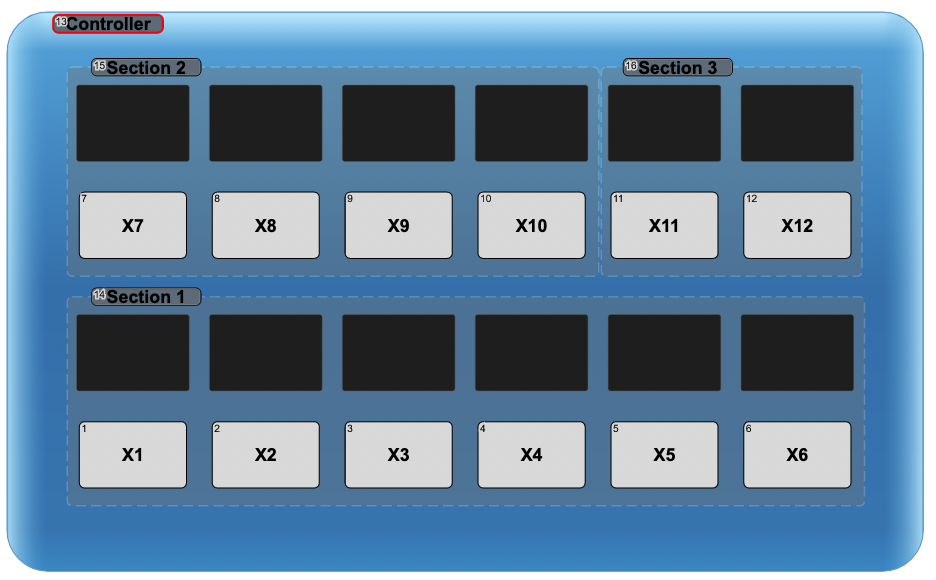](https://wiki.skaarhoj.com/uploads/images/gallery/2022-03/image-1646906858300.png)
#### Air Fly Pro (V2 and V3)
Some Controllers like the Air Fly Pro, includes an embedded PTZ Wiz, and this part of the controller can be used to map a PTZ LIght Class Configuration. When paired with a config that supports it.
[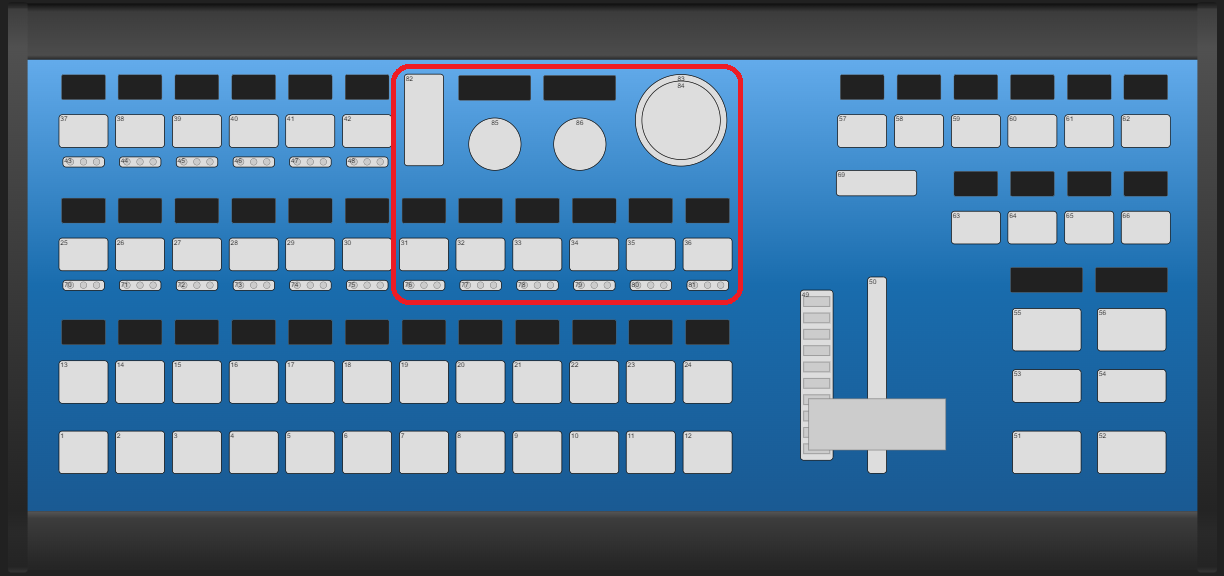](https://wiki.skaarhoj.com/uploads/images/gallery/2022-05/image-1653036171459.png)
# Pro Class Configurations
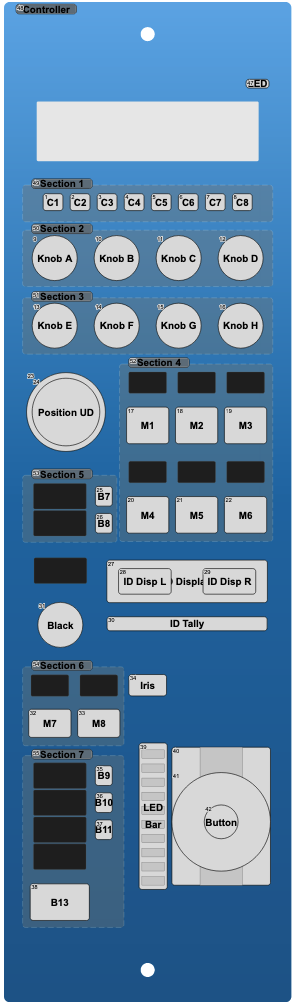
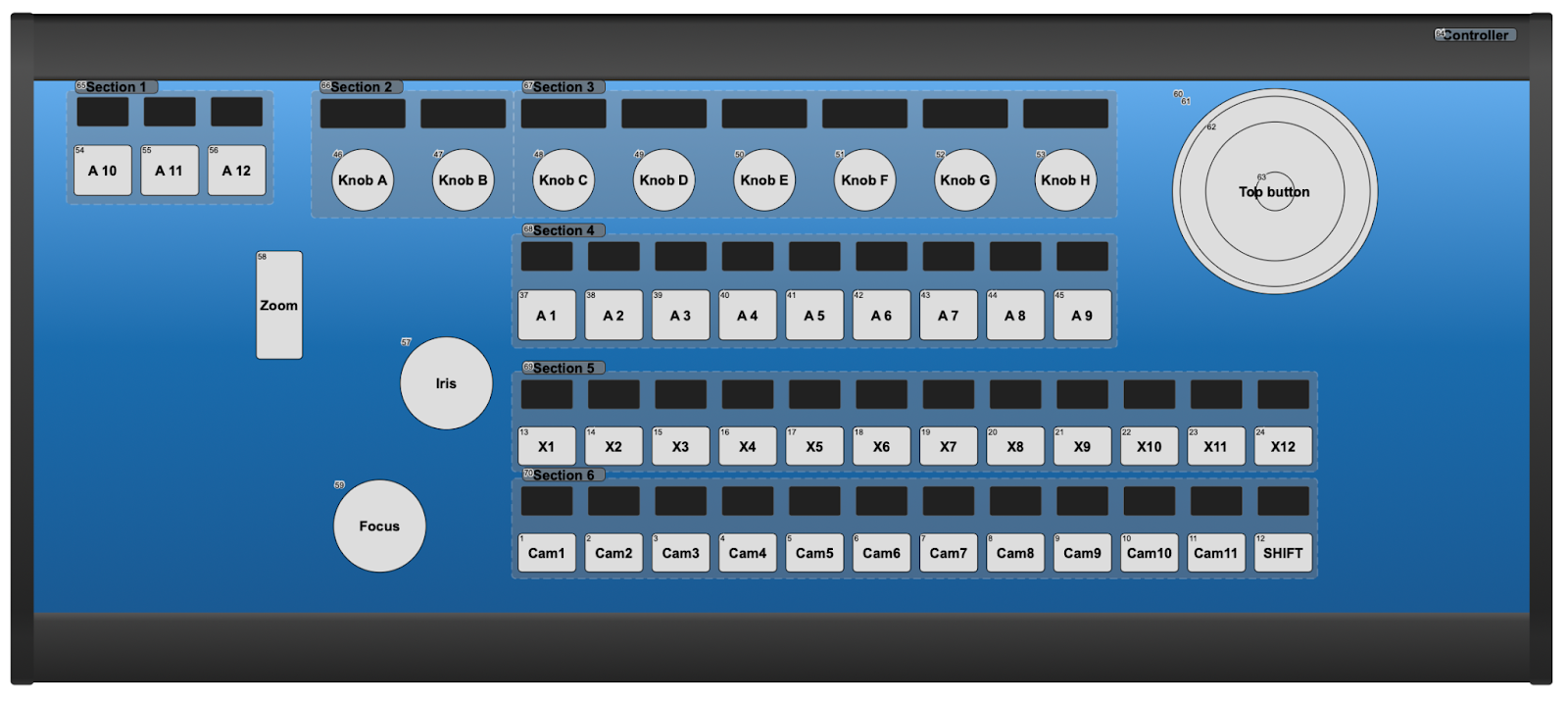
**Pro Class** configurations are default configurations provided by SKAARHOJ that work with controllers that have **8 Encoders** as their main components.
To use them in Reactor, select a "Generic" configuration for your panel, then fill the camera selector with devices that support **Pro Class** controllers.
All **Pro Class** compatible controllers are:
#### RCPv2, RCP Pro
[](https://wiki.skaarhoj.com/uploads/images/gallery/2022-03/image-1646840149407.png)
#### PTZ Extreme (V1 and V2)
[](https://wiki.skaarhoj.com/uploads/images/gallery/2022-03/image-1646840183556.png)
# Standard Class Configurations
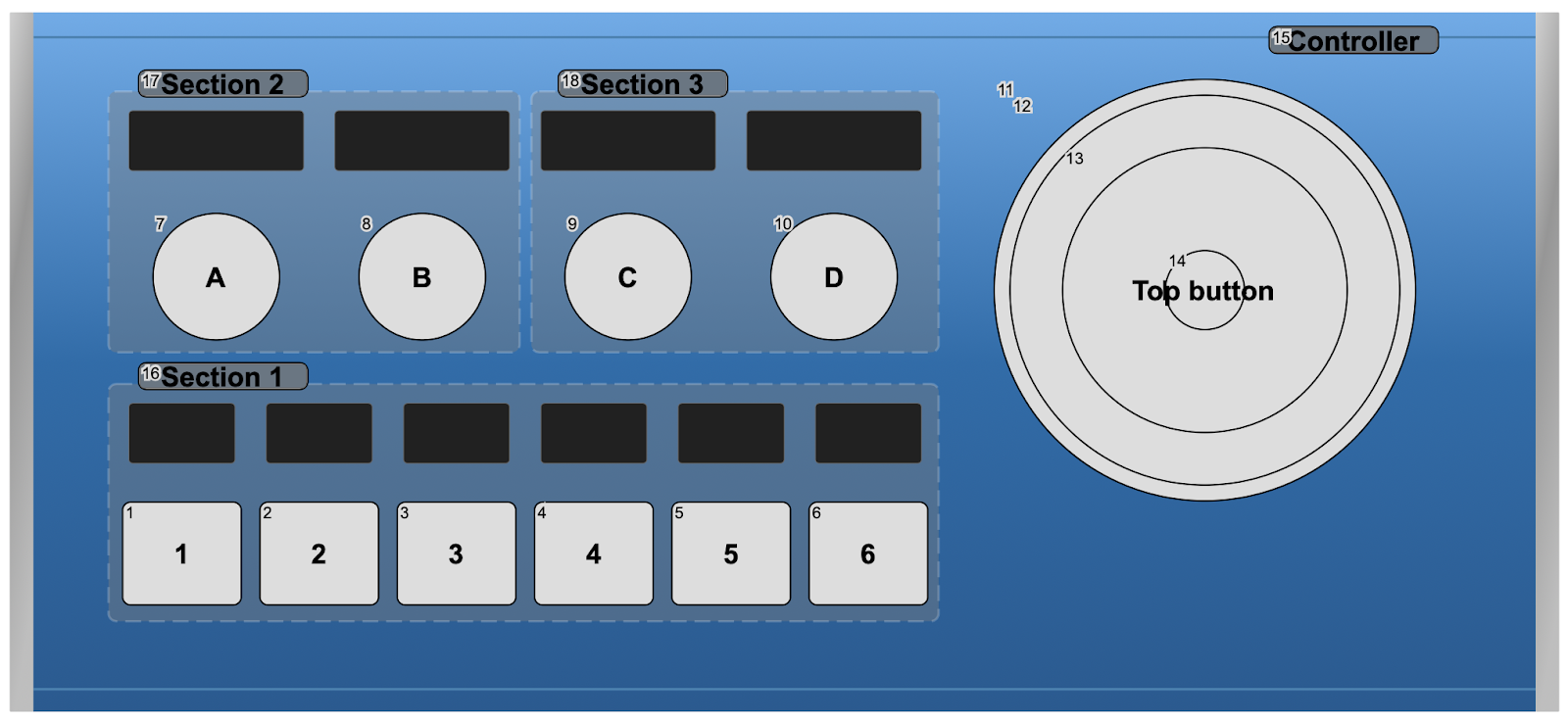
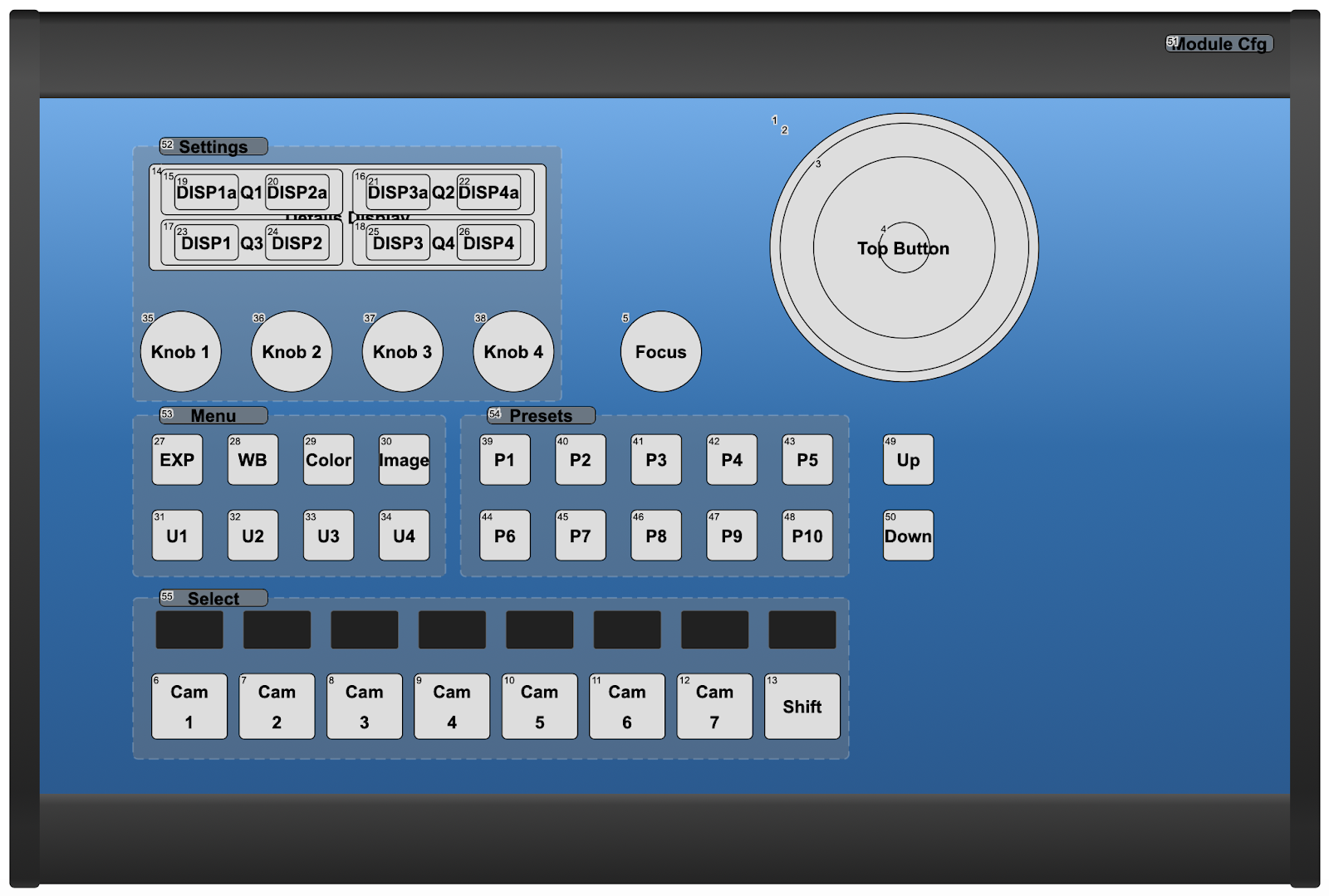
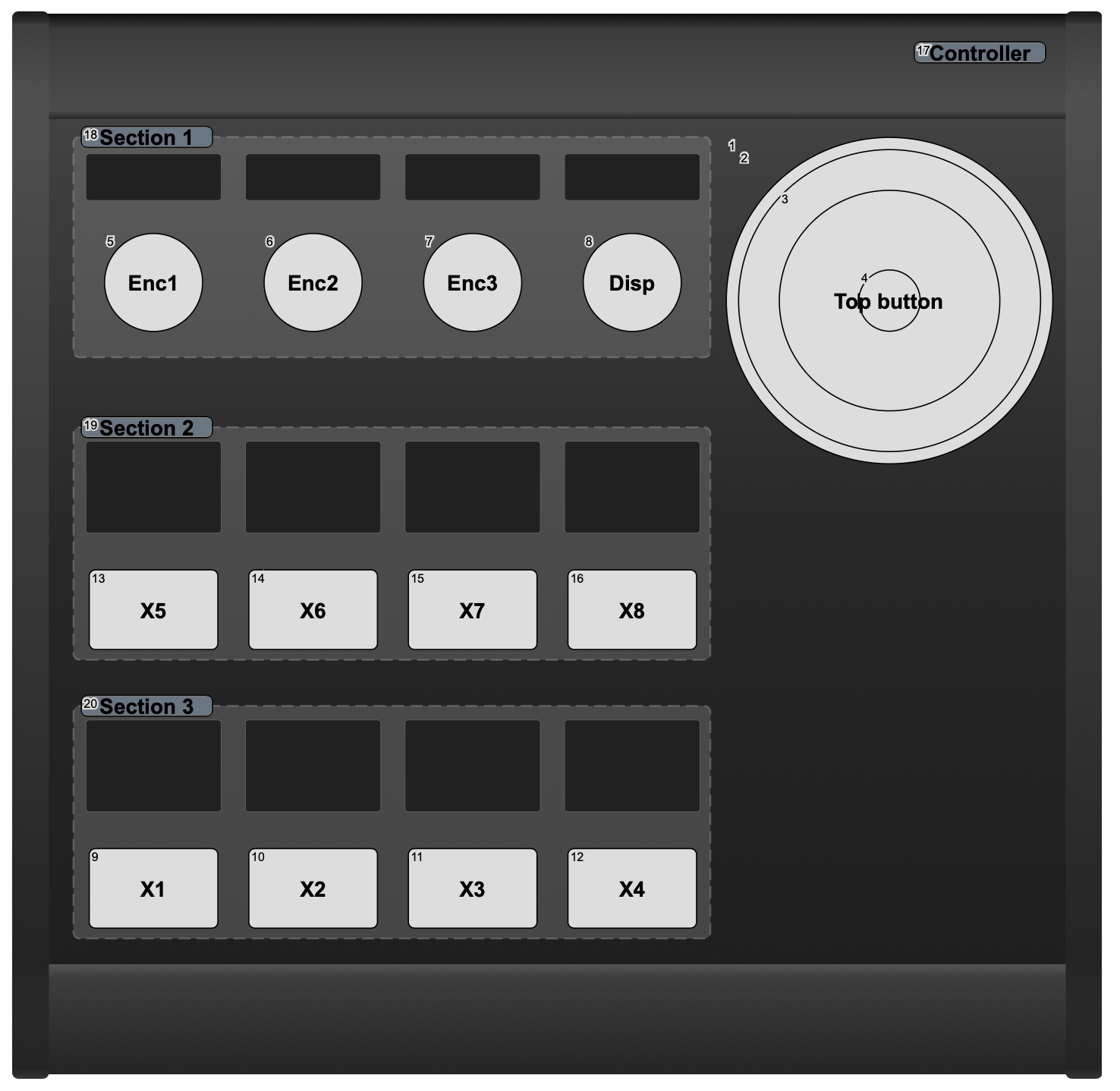
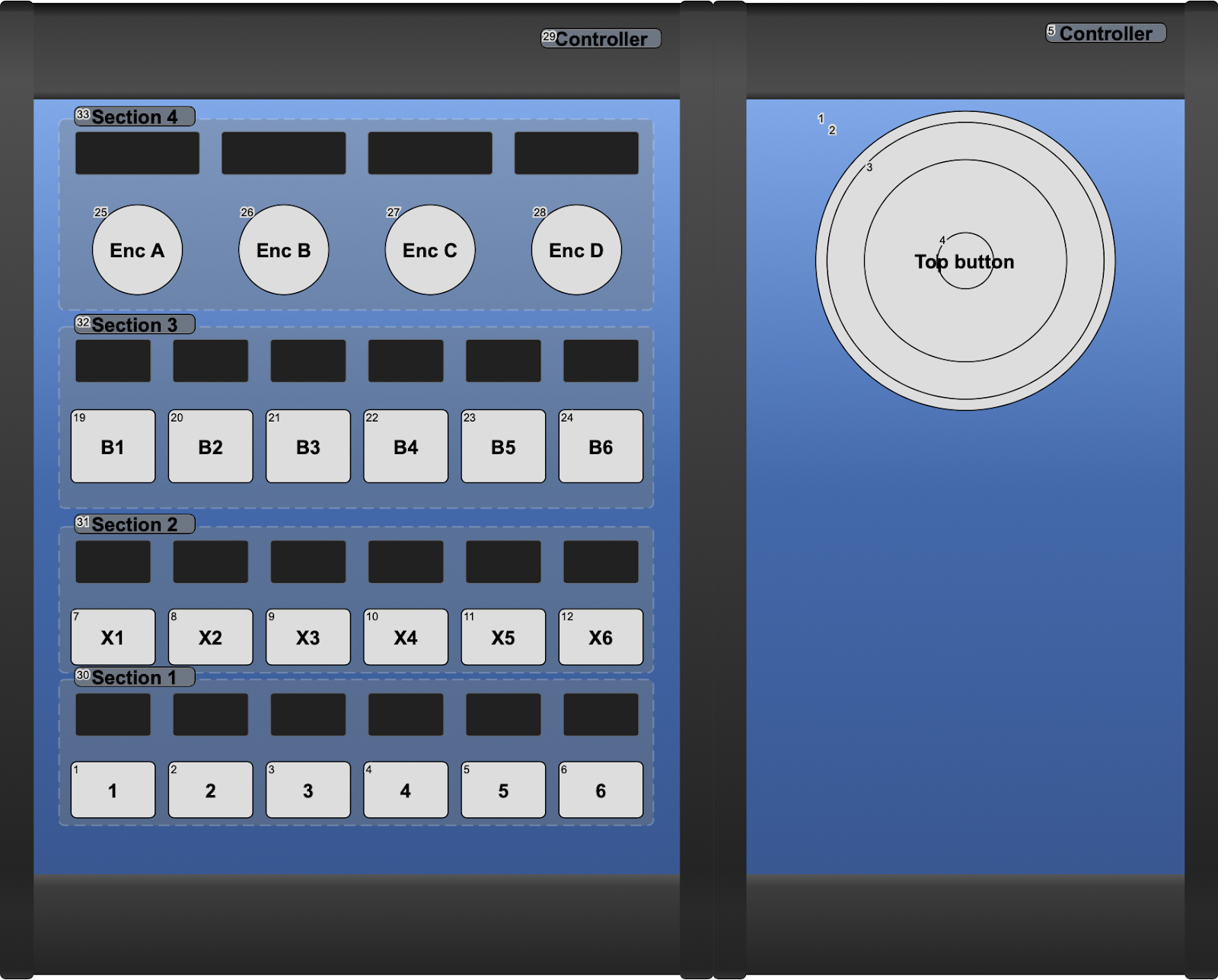
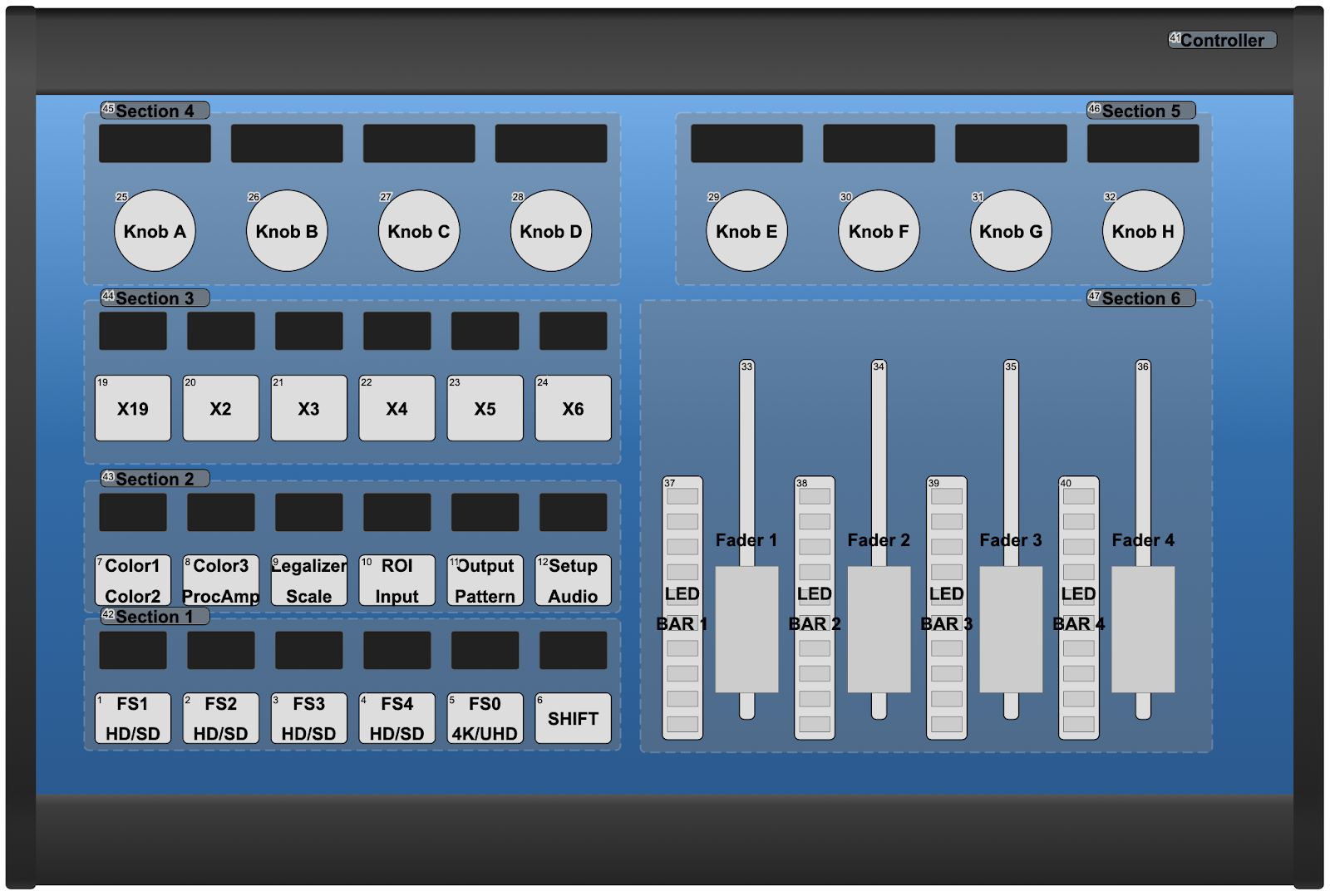
**Standard Class** configurations are default configurations provided by SKAARHOJ that work with controllers that have 4 **Encoders** as their main components.
To use them in Reactor, select a "Generic" configuration for your panel, then fill the camera selector with devices that support **Standard Class** controllers.
All **Standard Class** compatible controllers are:
### PTZ Fly
[](https://wiki.skaarhoj.com/uploads/images/gallery/2022-03/image-1646839840382.png)
### PTZ Pro
[](https://wiki.skaarhoj.com/uploads/images/gallery/2022-03/image-1646839896364.png)
### MKA 2
[](https://wiki.skaarhoj.com/uploads/images/gallery/2022-03/image-1646839905516.png)
### INLINE 22 + XC 7
[](https://wiki.skaarhoj.com/uploads/images/gallery/2022-03/image-1646839914138.png)
### Color Fly
[](https://wiki.skaarhoj.com/uploads/images/gallery/2022-03/image-1646839925058.png)
# Switcher Class Configurations
**Switcher Class** configurations are out of the box ready configurations!
They will provide you with all the most common functions that most people will need to control a switcher system. But we have also provided many layers of advanced features and options, that allow you to fully control most aspects of your device.
All **Switcher Class** compatible controllers are:
### Air Fly
[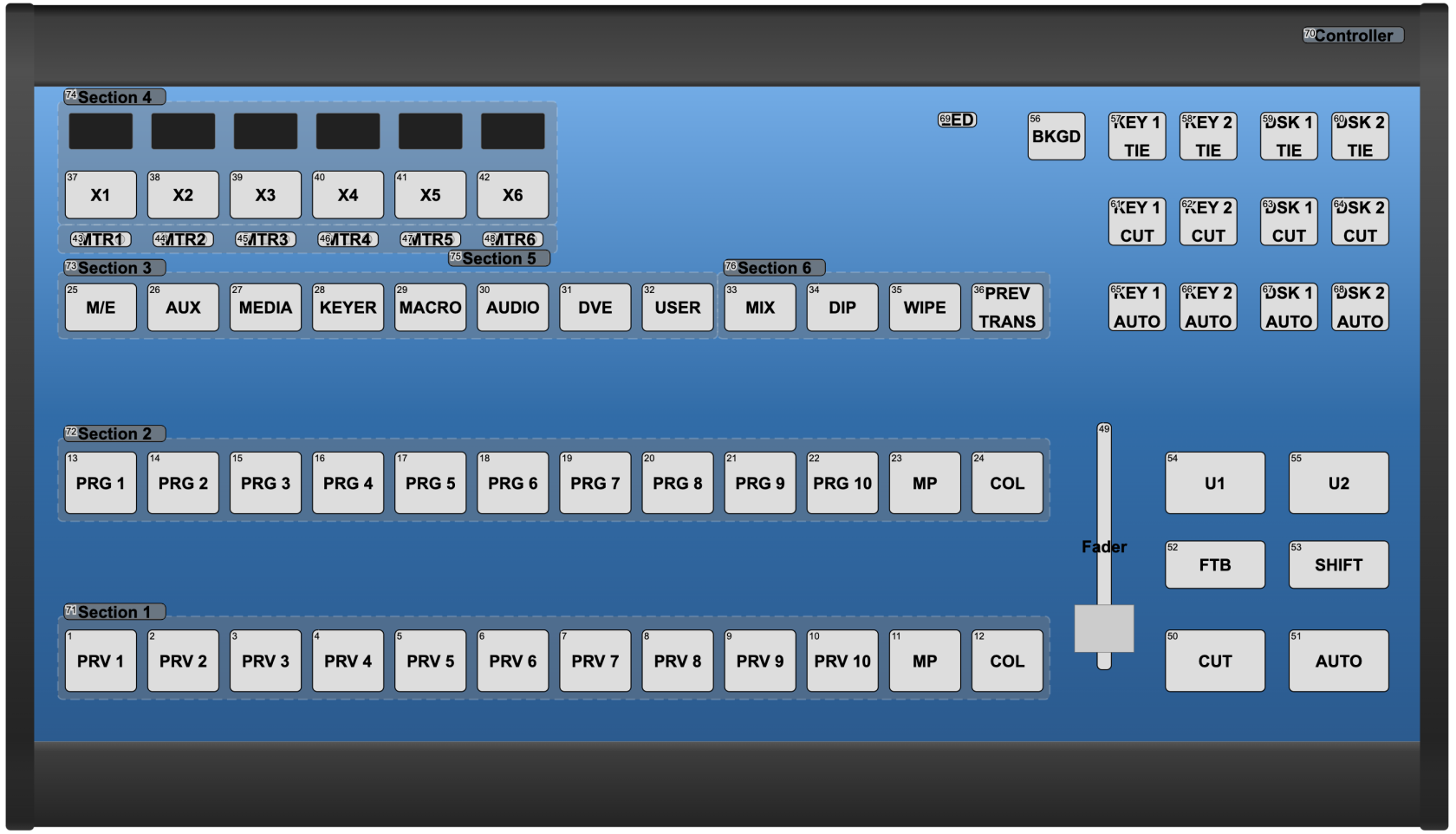](https://wiki.skaarhoj.com/uploads/images/gallery/2022-07/image-1657288230177.png)Air fly - for reference
### Air Fly Pro (V1, V2, V3)
[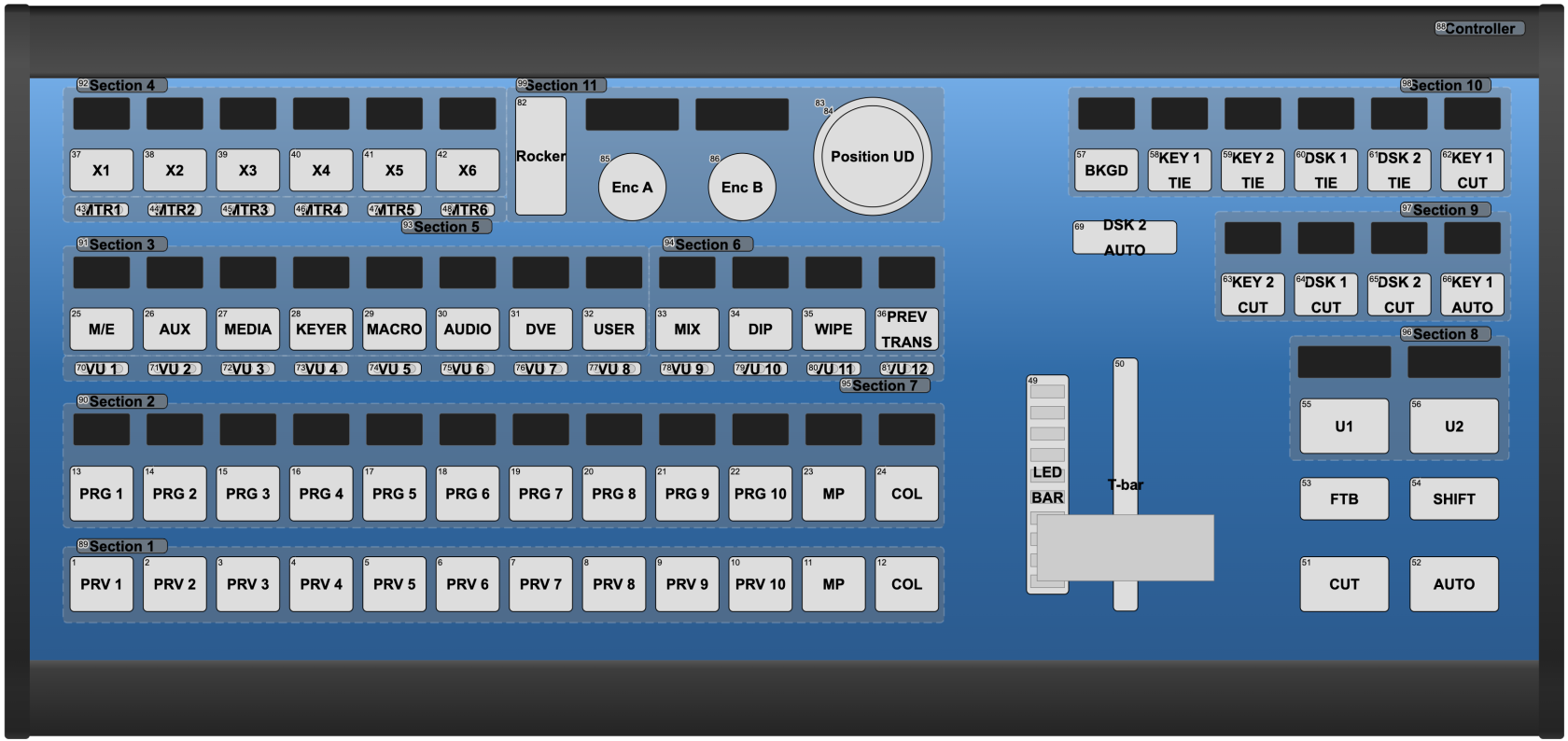](https://wiki.skaarhoj.com/uploads/images/gallery/2022-07/image-1657288143792.png)Air Fly Pro V2 - for reference
###
### Master Key One (V1, V2)
[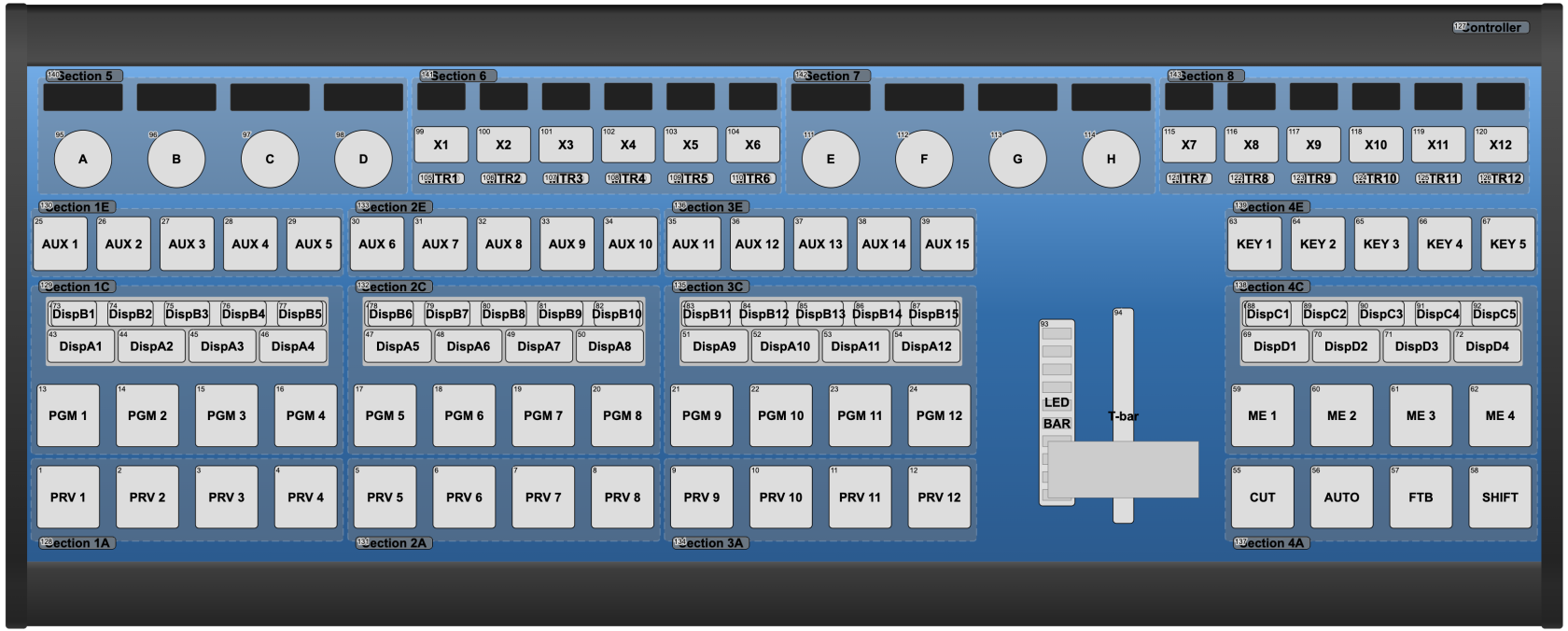](https://wiki.skaarhoj.com/uploads/images/gallery/2022-07/image-1657288307134.png)Master Key One - for reference
# Quick Class Configurations
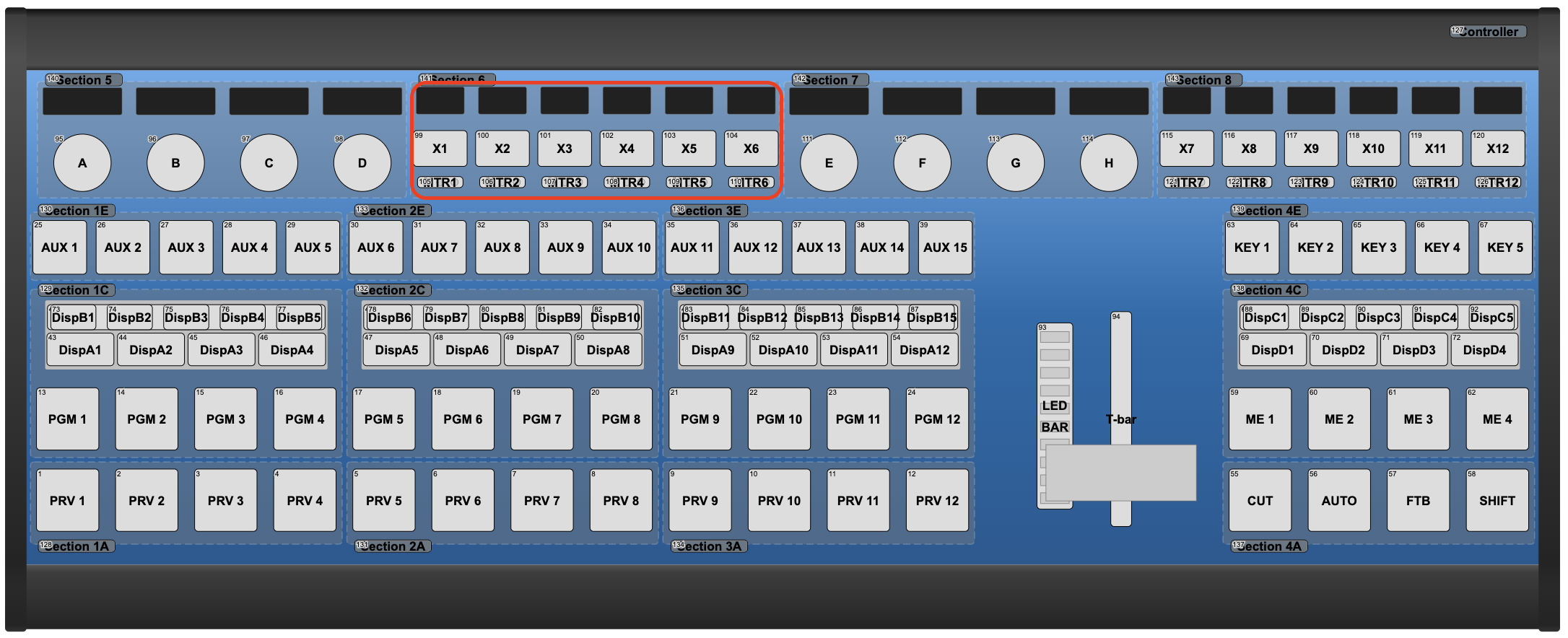
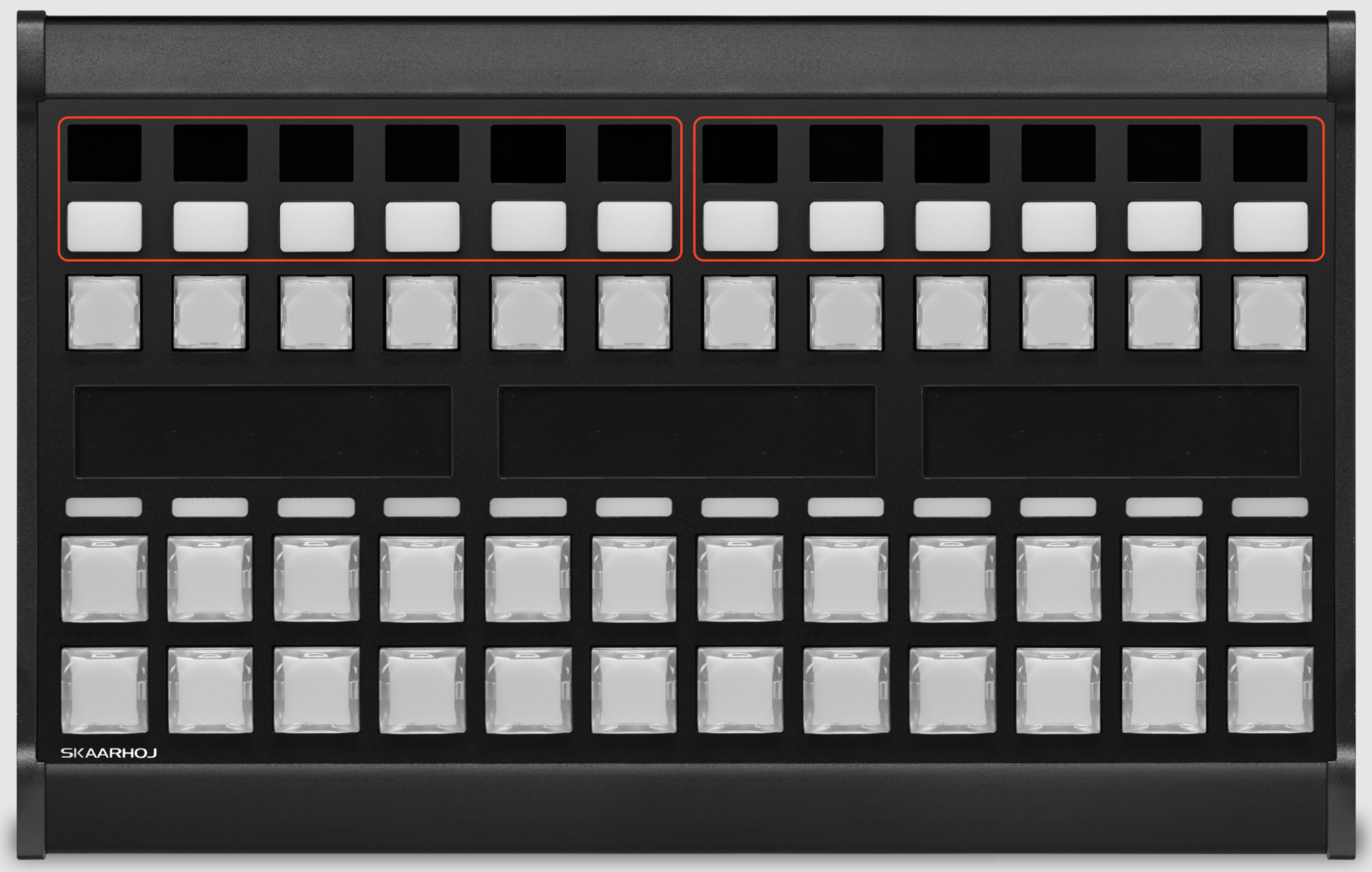
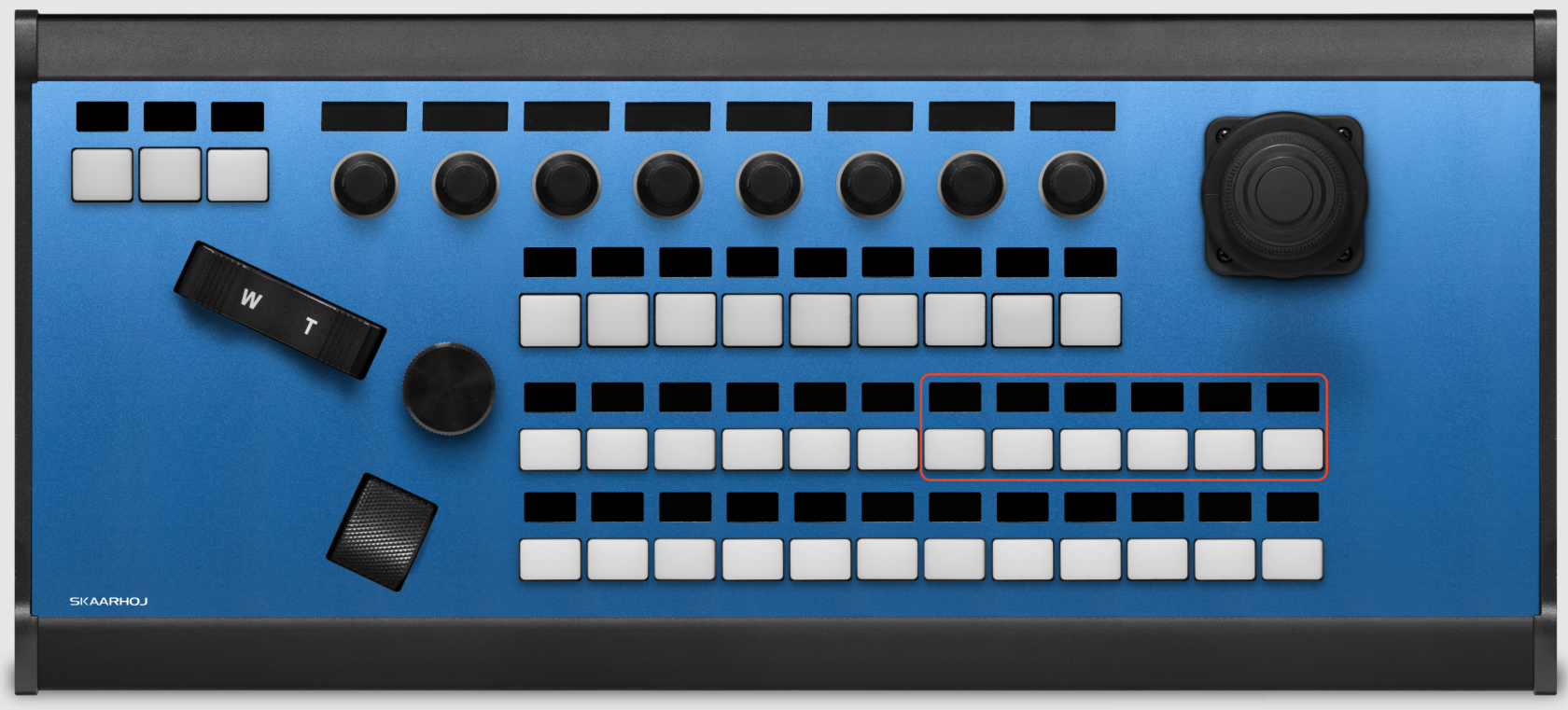
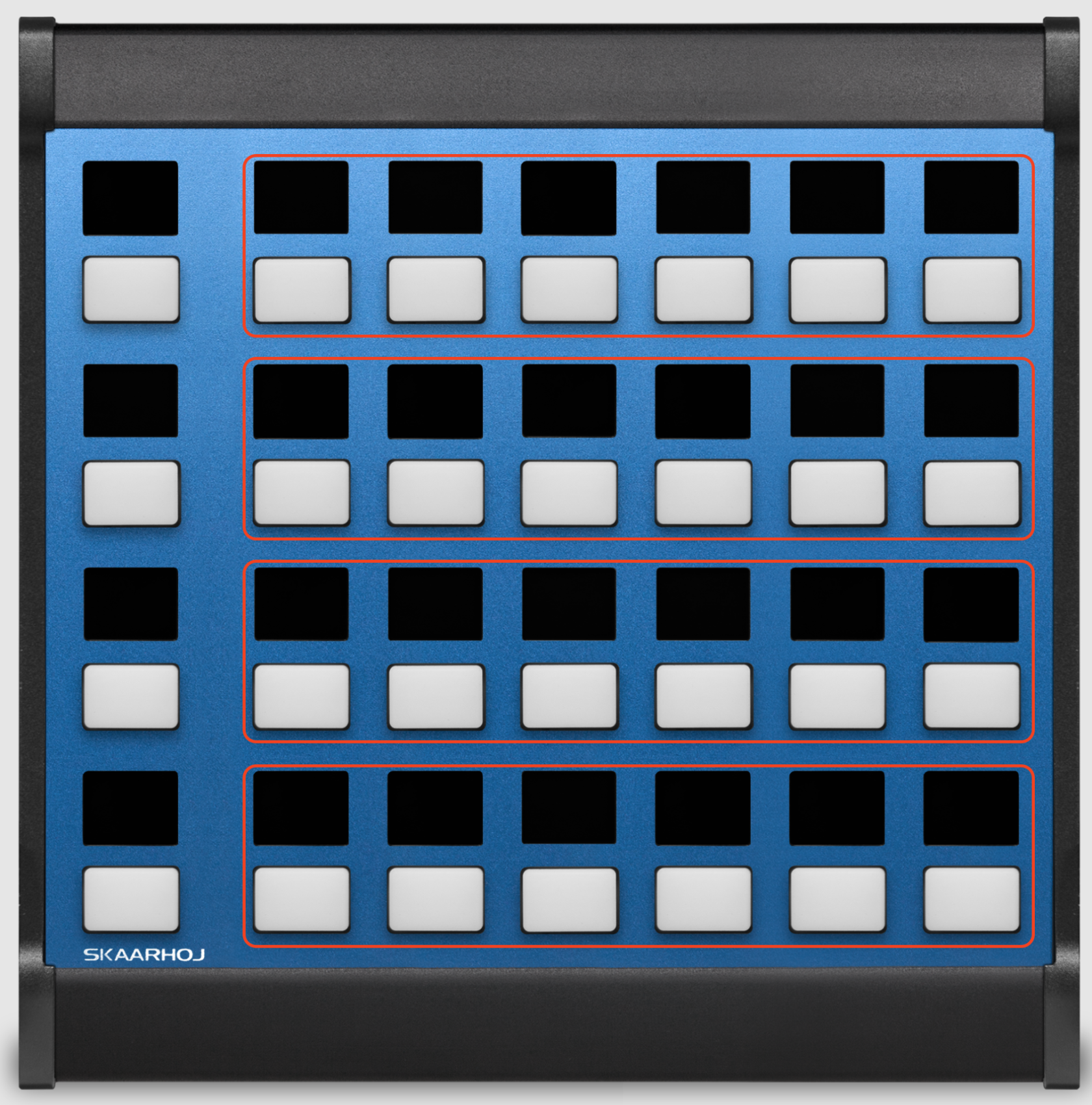
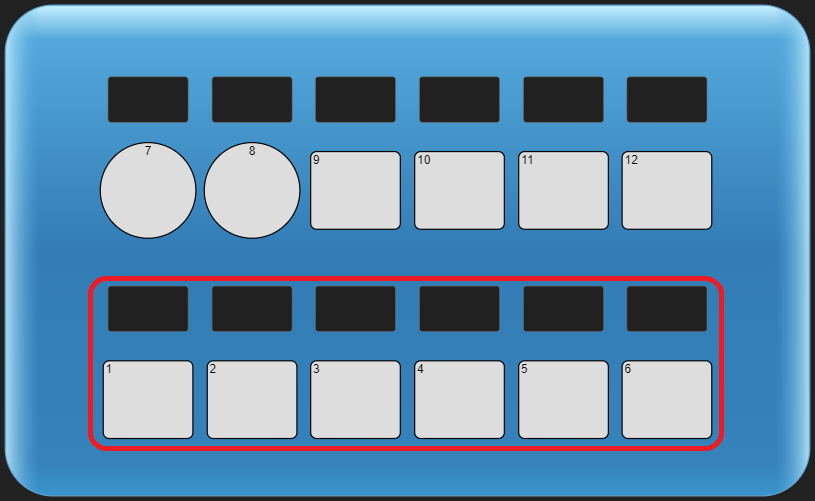
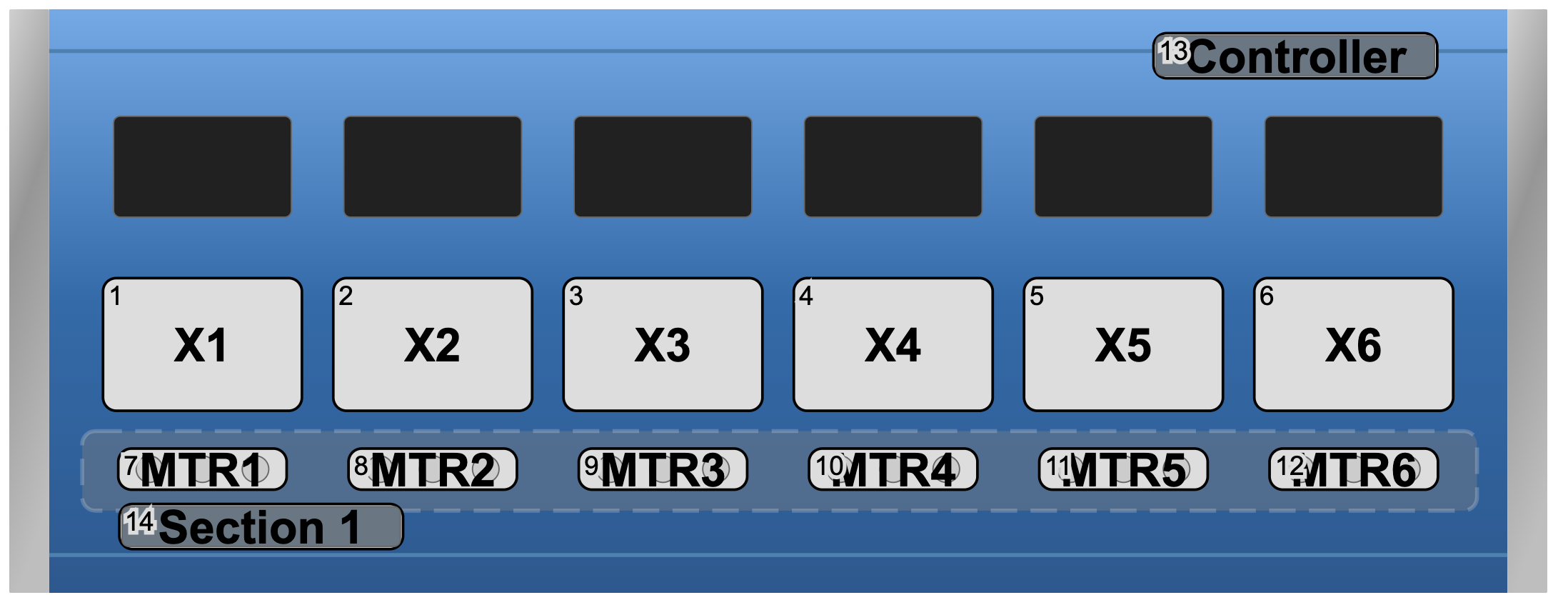
**Quick Class** configurations are parts of a configurations provided by SKAARHOJ that work with a Quick Bar and Selected controllers that have a section of 6 4-way buttons.
To use them in Reactor, select a configuration supporting **Quick Class** for your panel, then fill the **Quick Class** selector with devices you want to control.
This controllers have already configurations supporting **Quick Class**:
### Air Fly
[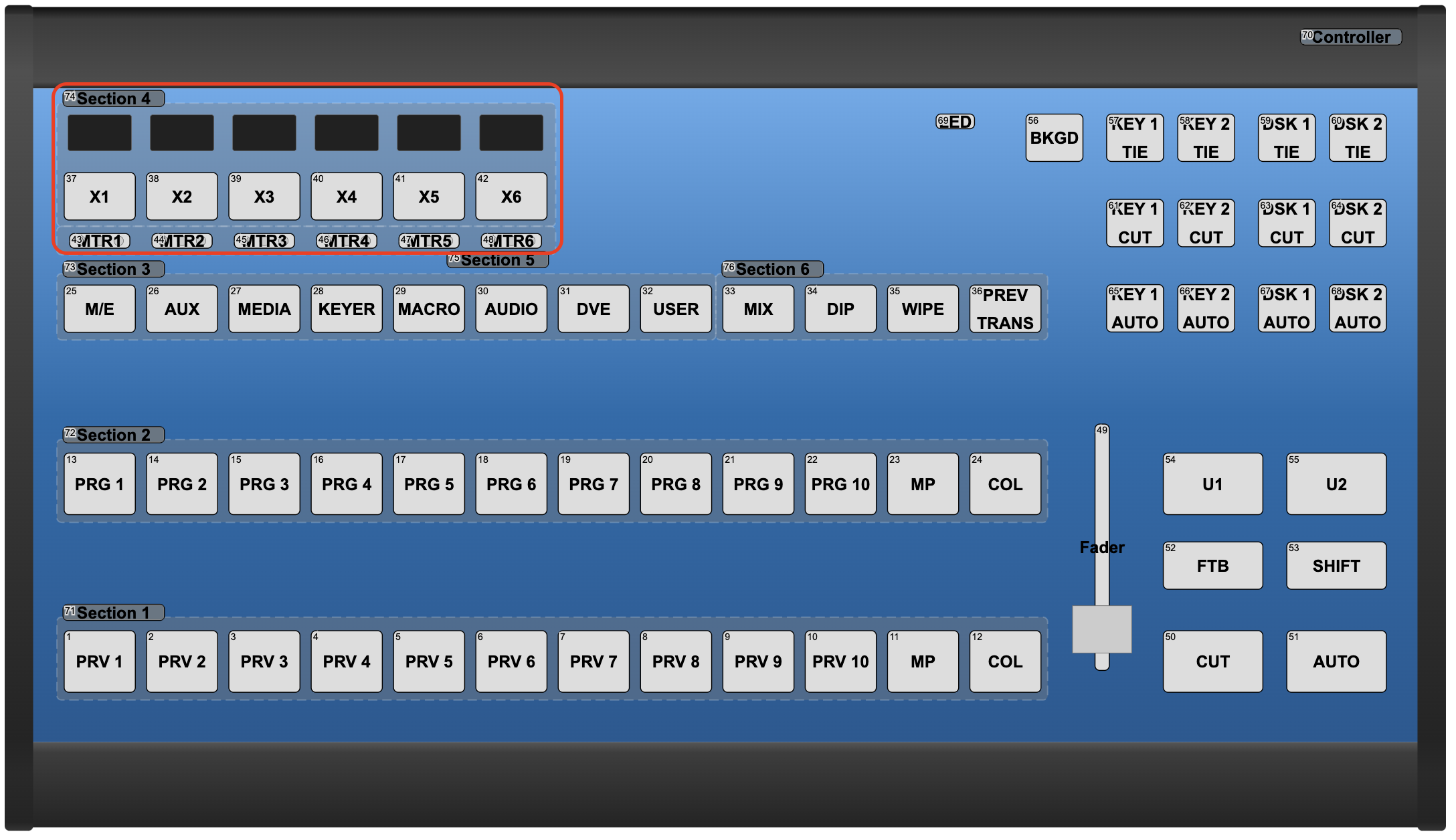](https://wiki.skaarhoj.com/uploads/images/gallery/2022-05/image-1651653305069.png)
### Air Fly Pro (v1, v2 and v3)
[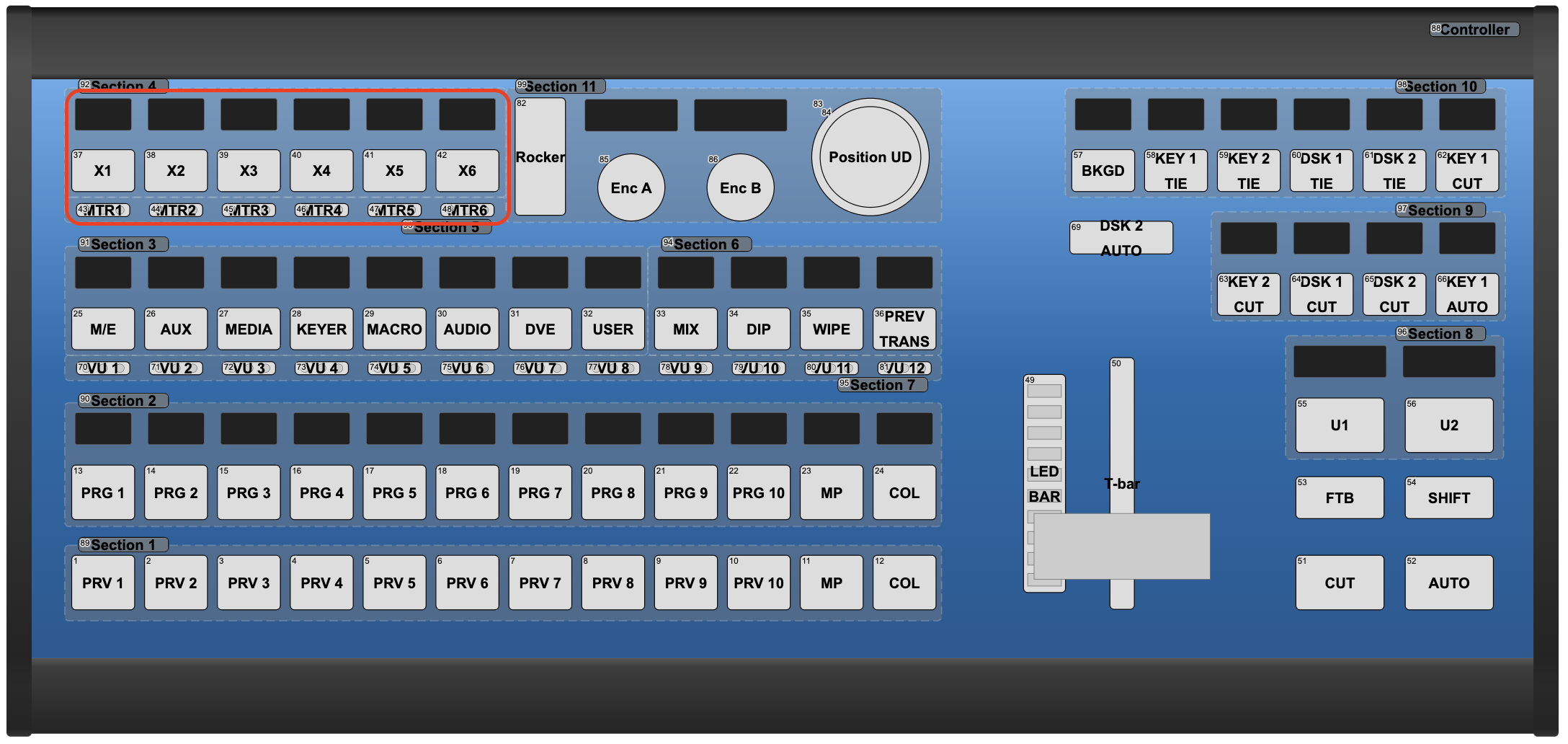](https://wiki.skaarhoj.com/uploads/images/gallery/2022-05/image-1651653380403.png)
### Master Key One (v1 and V2)
[](https://wiki.skaarhoj.com/uploads/images/gallery/2022-05/image-1651653457217.png)
### Mega Panel (MK48)
[](https://wiki.skaarhoj.com/uploads/images/gallery/2023-06/3EXimage.png)
### PTZ Extreme
[](https://wiki.skaarhoj.com/uploads/images/gallery/2023-06/T70image.png)
### Quick Shot
[](https://wiki.skaarhoj.com/uploads/images/gallery/2023-06/0Esimage.png)
### Quick Pad
[](https://wiki.skaarhoj.com/uploads/images/gallery/2022-05/image-1653035902525.png)
### Quick Bar
[](https://wiki.skaarhoj.com/uploads/images/gallery/2022-05/image-1651653518891.png)