# Demo Mode

The Raw Panel Demo application connects to one or more Raw Panel units, retrieves their topology data, and provides dynamic feedback to their hardware components. This includes updating button colors, display contents, and other visual elements in a cyclic manner, showcasing the panel's capabilities.

Additionally, the application responds to triggers from the connected panels, such as button presses, knob rotations, fader movements, and joystick interactions. These interactions are reflected both on the panels themselves and in the application logs, creating a comprehensive demonstration of the panels' functionality.

Install the raw-panel-demo package on the packages page.

![Screenshot 2025-10-31 at 12.14.00.png](https://wiki.skaarhoj.com/uploads/images/gallery/2025-10/scaled-1680-/screenshot-2025-10-31-at-12-14-00.png)

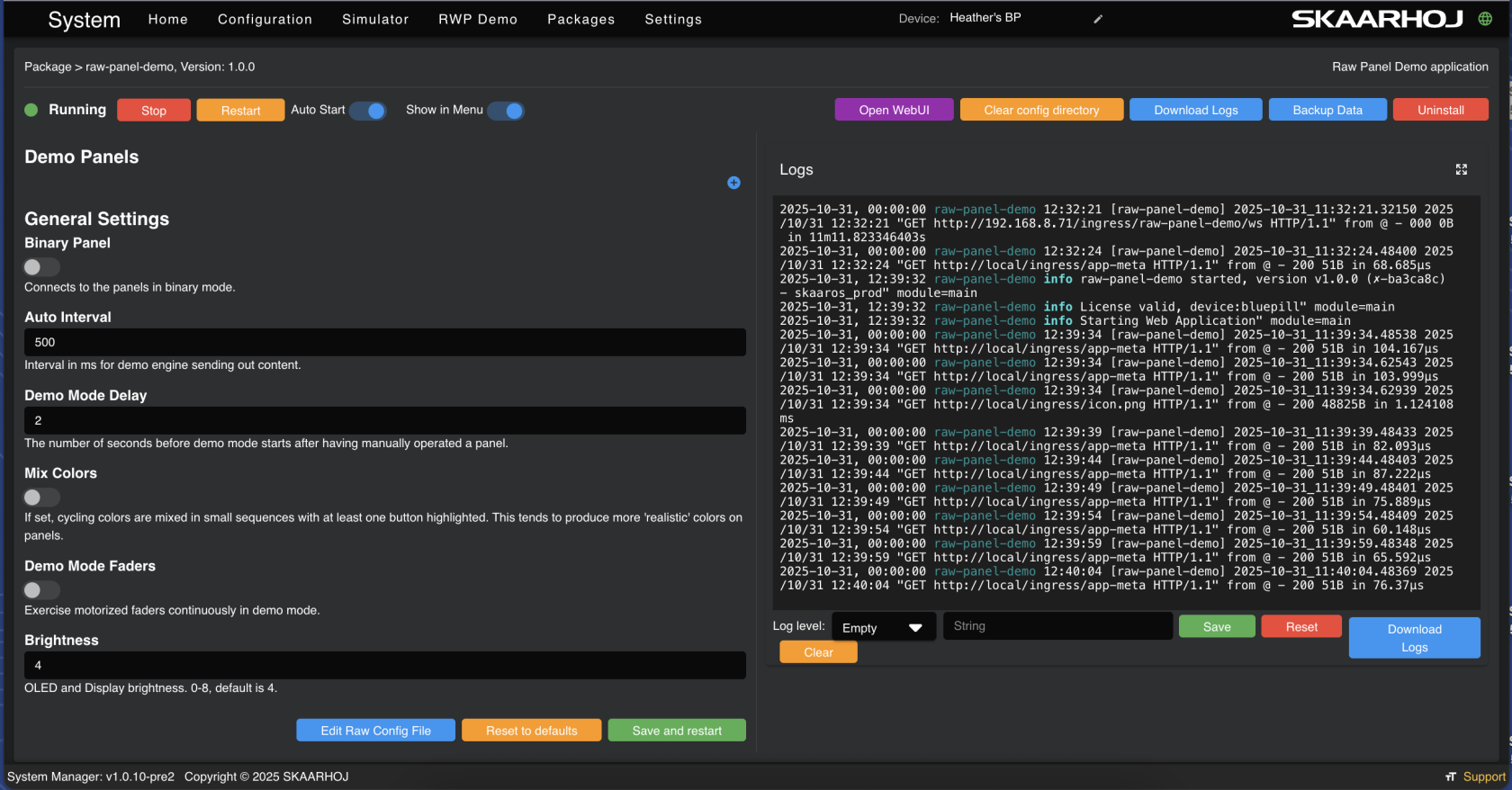
Click in the package to set the parameters, connect to other panels, to run in, and access its own web interface.

<p class="callout info">**Panels MUST be in 'Raw Panel Mode' in order for the Demo app to connect to them.**  
You can enable and disable Raw Panel Mode on the Settings page.  
This also means that Reactor cannot run at the same time.</p>

[![Screenshot 2025-10-31 at 12.40.09.png](https://wiki.skaarhoj.com/uploads/images/gallery/2025-10/scaled-1680-/screenshot-2025-10-31-at-12-40-09.png)](https://wiki.skaarhoj.com/uploads/images/gallery/2025-10/screenshot-2025-10-31-at-12-40-09.png)

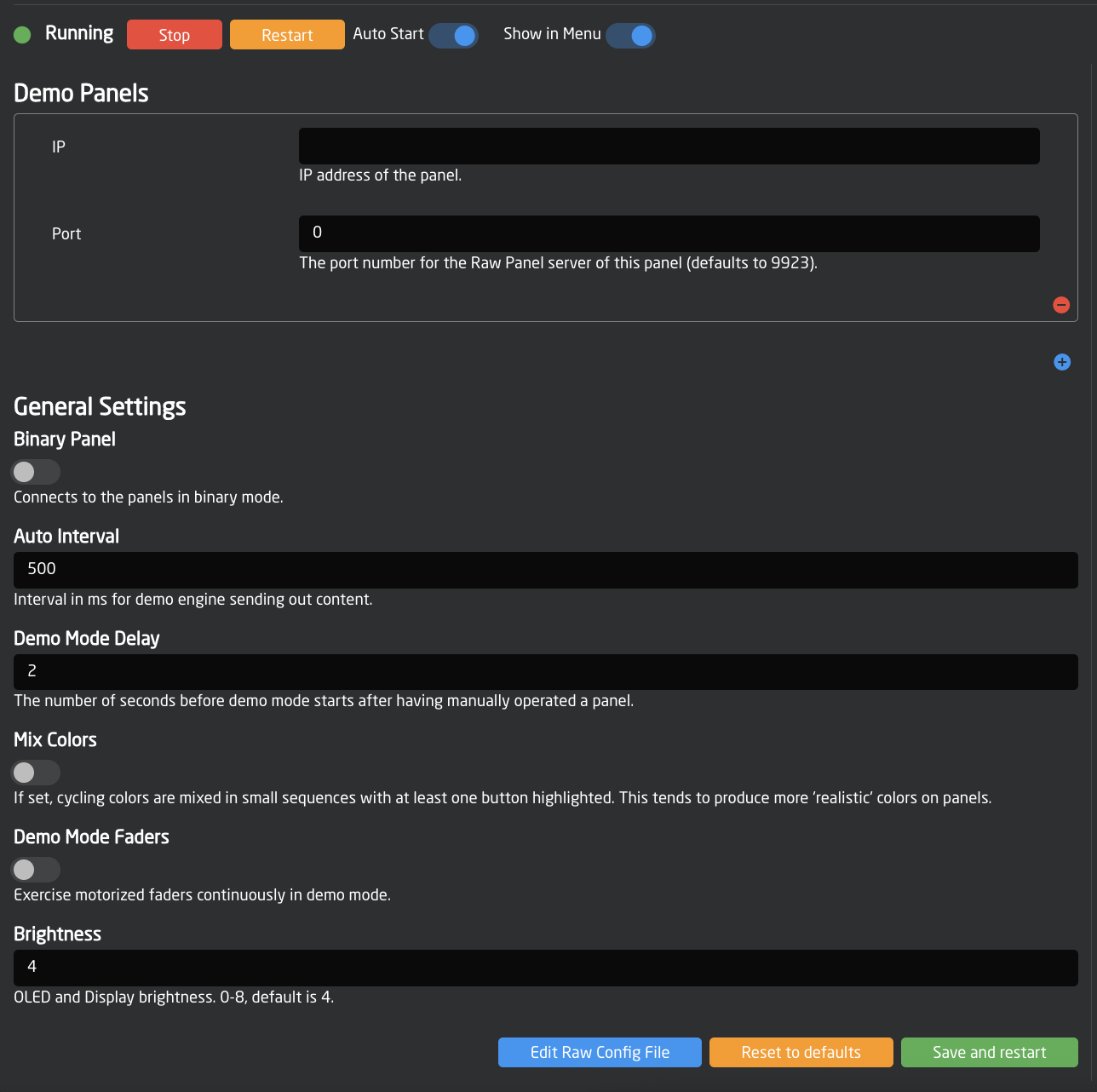
It is possible to set up the demo mode straight from the package details.
![Screenshot 2025-10-31 at 12.50.18.png](https://wiki.skaarhoj.com/uploads/images/gallery/2025-10/scaled-1680-/screenshot-2025-10-31-at-12-50-18.png)

Accessing it via it's own interface gives the same options in a cleaner application interface.

<p class="callout info">If the Open WebUI button is not visible, make sure the package is running and try refreshing the page. </p>

![Screenshot 2025-10-31 at 12.55.16.png](https://wiki.skaarhoj.com/uploads/images/gallery/2025-10/scaled-1680-/screenshot-2025-10-31-at-12-55-16.png)

Within the application's interface:

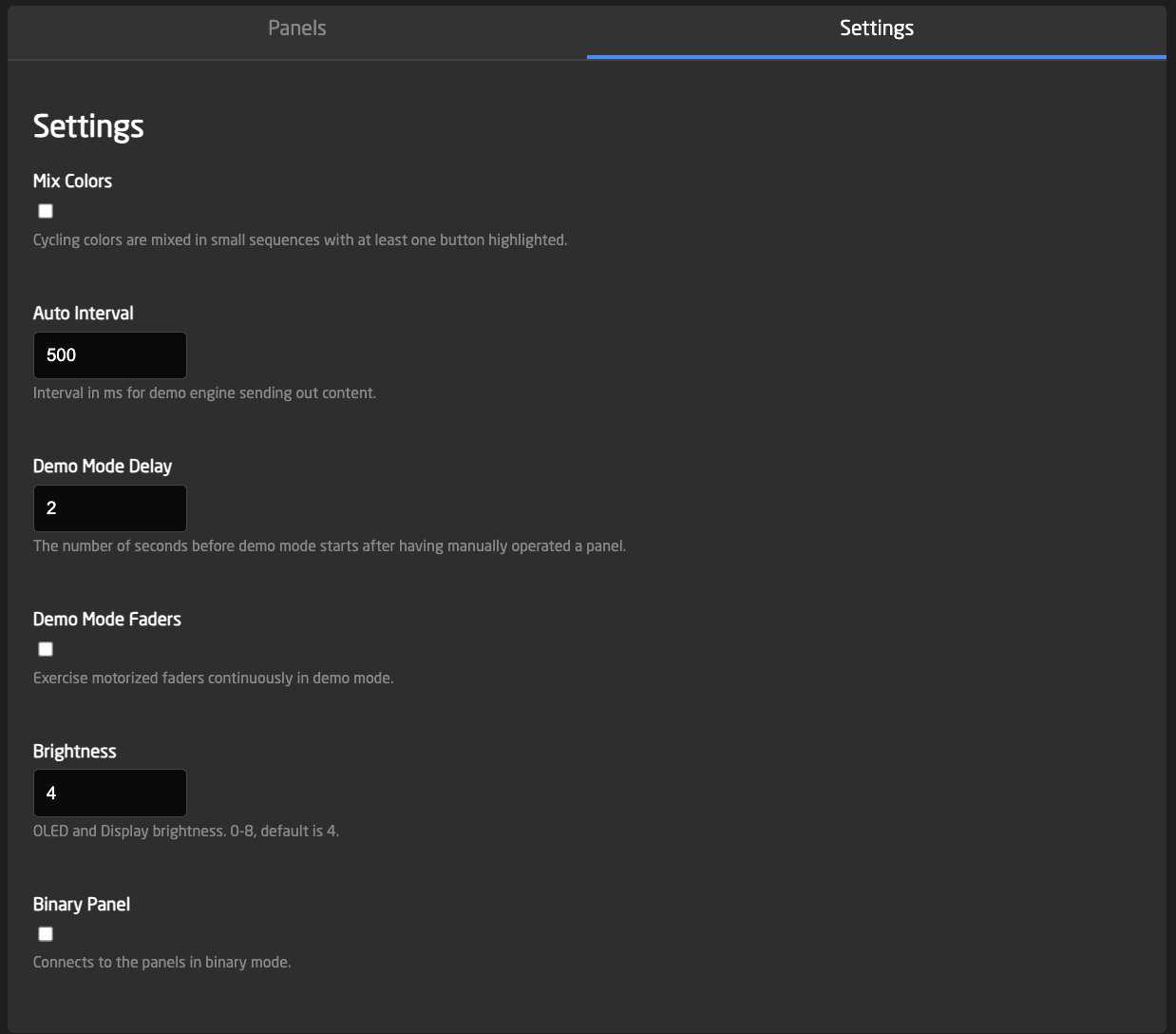
 The settings tab exposes the parameters that can be set for the demo mode.
![Screenshot 2025-10-31 at 13.06.20.png](https://wiki.skaarhoj.com/uploads/images/gallery/2025-10/scaled-1680-/screenshot-2025-10-31-at-13-06-20.png)

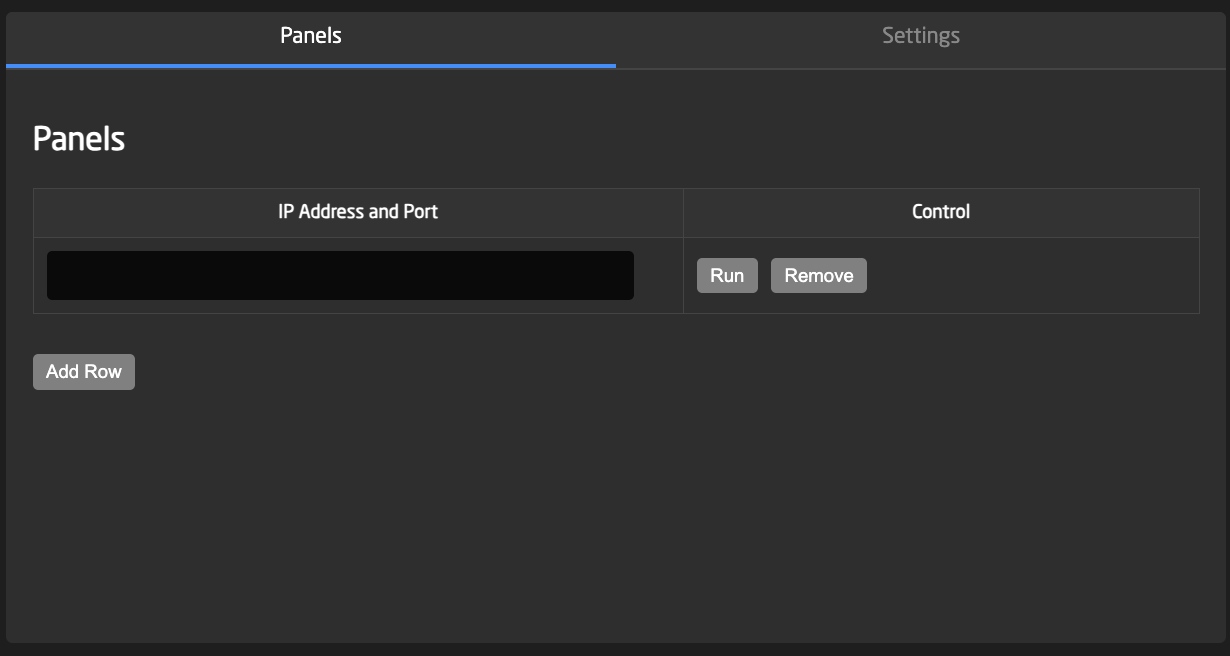
Panels tab allows for adding panels manually, running demo mode on them or removing them.
![Screenshot 2025-10-31 at 13.06.13.png](https://wiki.skaarhoj.com/uploads/images/gallery/2025-10/scaled-1680-/screenshot-2025-10-31-at-13-06-13.png)

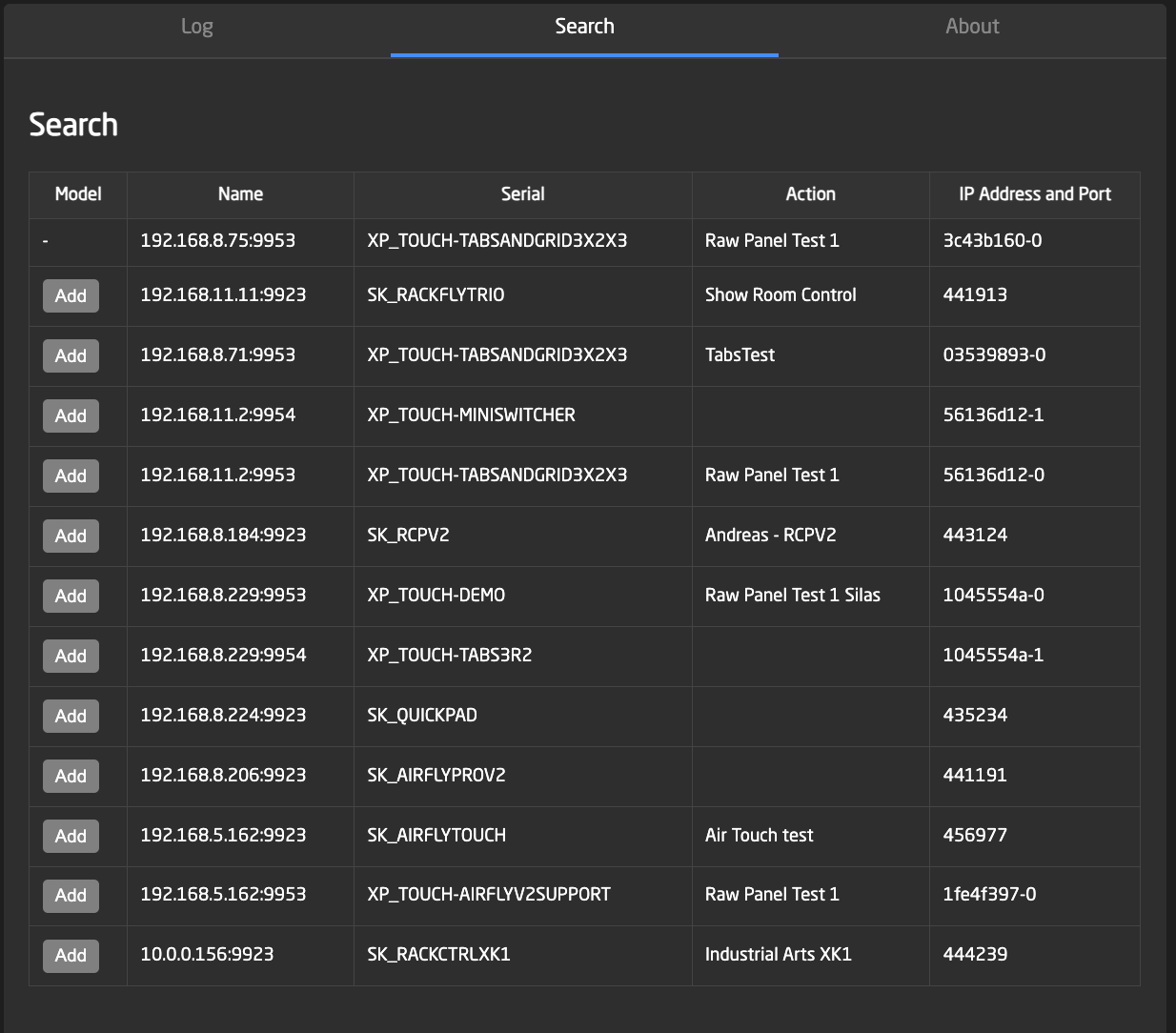
The Search tab allows for adding panels in Raw Panel Mode that are discovered on the network.

<p class="callout info">Corrected image coming soon. </p>

  
![Screenshot 2025-10-31 at 13.06.36.png](https://wiki.skaarhoj.com/uploads/images/gallery/2025-10/scaled-1680-/screenshot-2025-10-31-at-13-06-36.png)

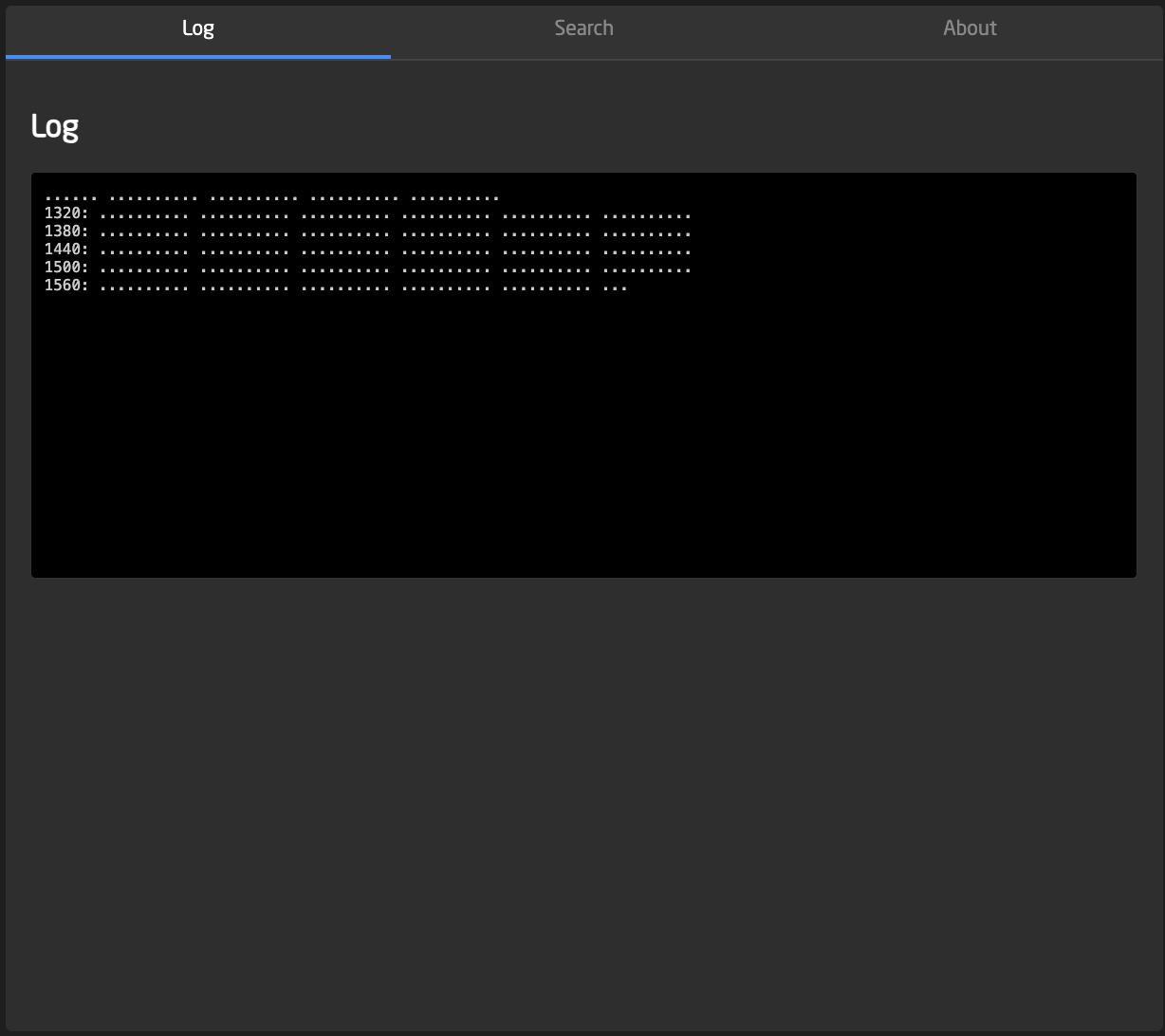
The last section is for a readout of the logs.
![Screenshot 2025-10-31 at 13.06.25.png](https://wiki.skaarhoj.com/uploads/images/gallery/2025-10/scaled-1680-/screenshot-2025-10-31-at-13-06-25.png)