
Sony RCP (core-sony-rcp): Connection Setups
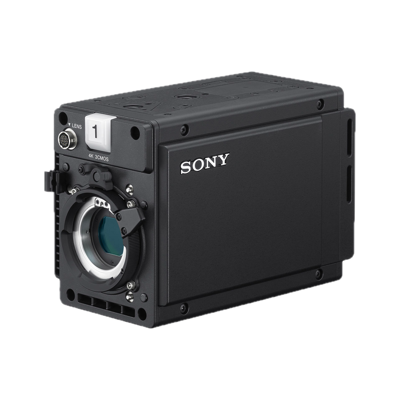
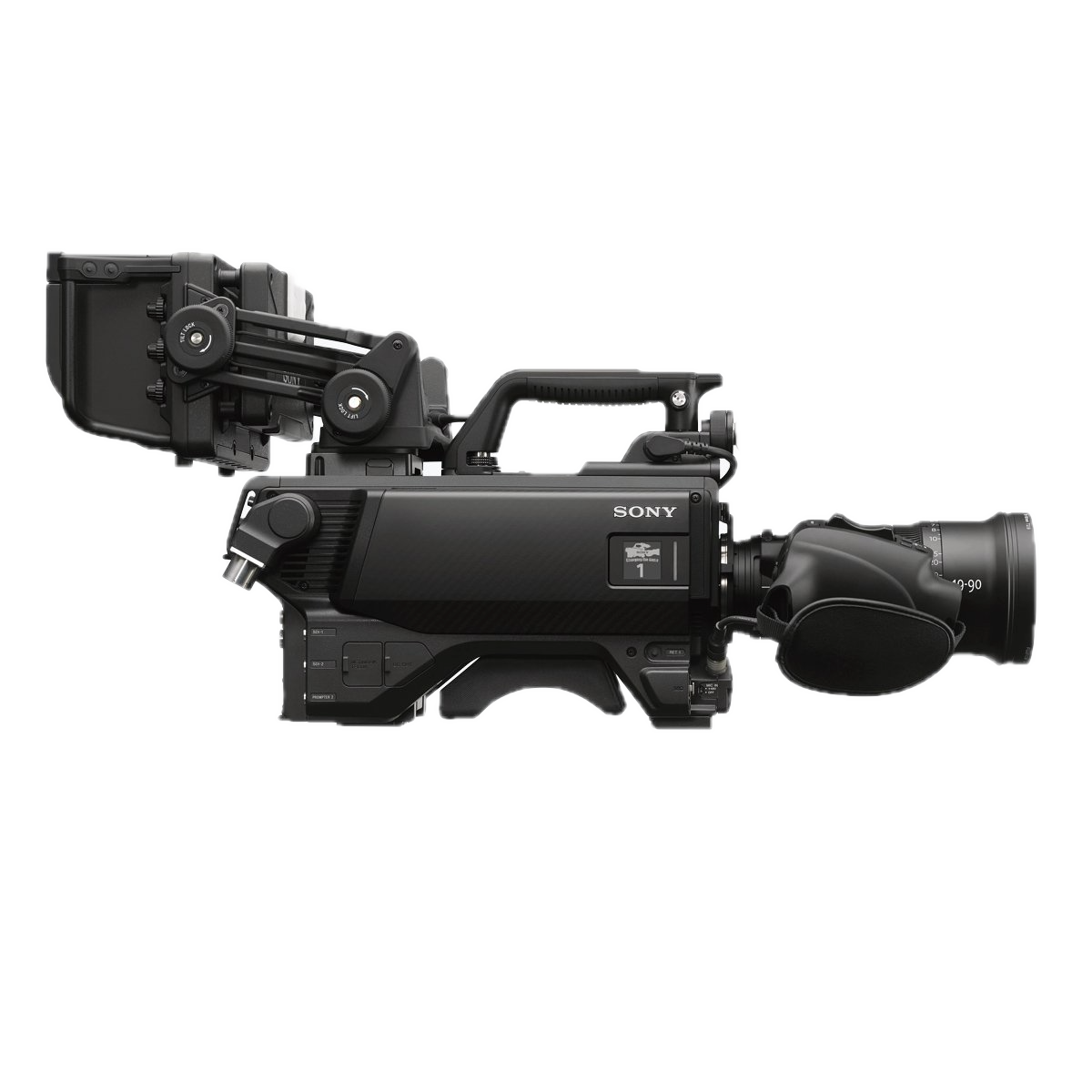
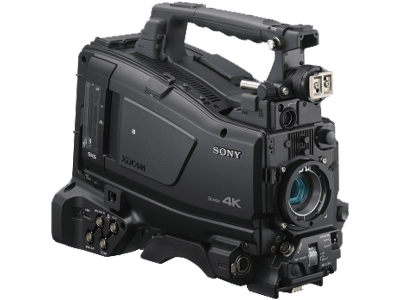
The Sony RCP core (core-sony-rcp) controls Sony system and studio cameras like a Sony RCP: shading, iris, gain, shutter, white balance, scene files, tally and call. It can reach the camera in three ways, depending on the Sony equipment on your network. For other Sony cameras, see Controlling Sony Cameras.
Which setup should I use?
| Setup | Extra hardware | Use it when |
| A. SSCP via CNA-1 / CNA-2 | One Sony CNA-1 or CNA-2 per camera | You already have a CNA, or the camera is only reachable through one (e.g. HDC-P31) |
| B. CNS Bridge mode | None | One panel per camera and no MSU in the system |
| C. CNS MCS mode | An MSU-1500 / MSU-3500, or a CNA-1 / CNA-2 acting as master | Sony RCPs and SKAARHOJ panels share the same cameras |
In development: GMCS through the CNA-2 Web API. Contact SKAARHOJ support for test access. Sony requires the HZC-GWCN2 license on the CNA-2 to use its Web API.
A. SSCP via CNA-1 / CNA-2
The CNA-1 and CNA-2 are Sony network adapters. They translate between Sony's camera network and the Sony Simple Camera Protocol (SSCP), which Reactor uses. Towards the camera, the CNA acts as an RCP. Each CNA controls one camera.
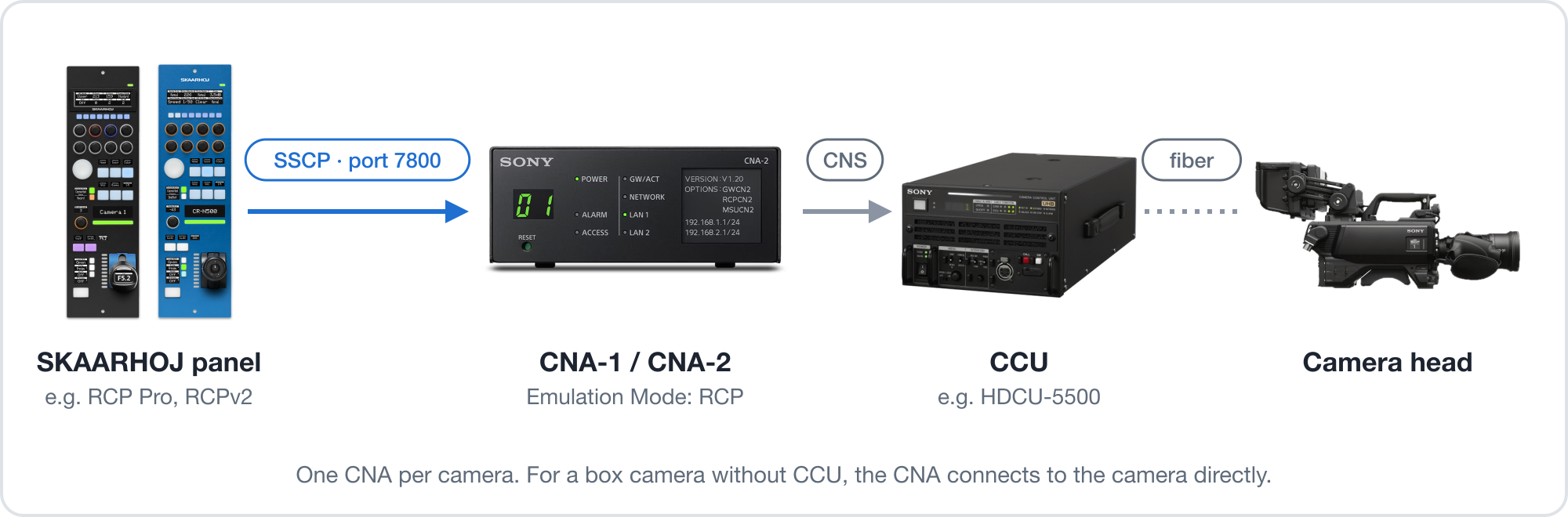
CNA-1 (web configurator):
- Gateway Mode: Enable. Emulation Mode: RCP.
- Single camera: CNS Mode Bridge, Master Mode Disable, Target IP Address = the CCU's IP.
- Camera in an MCS system: CNS Mode MCS, Master Mode Disable, Master IP Address = the MSU's IP. Give the CNA-1 a Device No. that no RCP uses. The MSU treats it as that RCP number, so assign it to the right CCU on the MSU.
- SSCP port: any port except 7700 and 1–1023. The core expects 7800 unless you change it in Reactor.
CNA-2 (Settings > System):
- System Mode: Adapter
- Convert From > CNS Mode: Bridge (single camera), or MCS with Master Mode Off and Master IP Address = the MSU's IP
- Convert To > Convert Mode: Simple Protocol
- Convert To > Simple Protocol Settings: Transport Select LAN, Emulation Mode RCP
On either CNA, leave Panel Active Function disabled (the default). The core doesn't request Panel Active in this mode.
In Reactor: IP = the CNA's IP, Port = the CNA's SSCP port. Leave CNS Mode off and MSU IP empty.
B. CNS Bridge mode
Reactor connects directly to the camera or CCU, the way a Sony RCP does in Bridge mode. This mode is experimental.
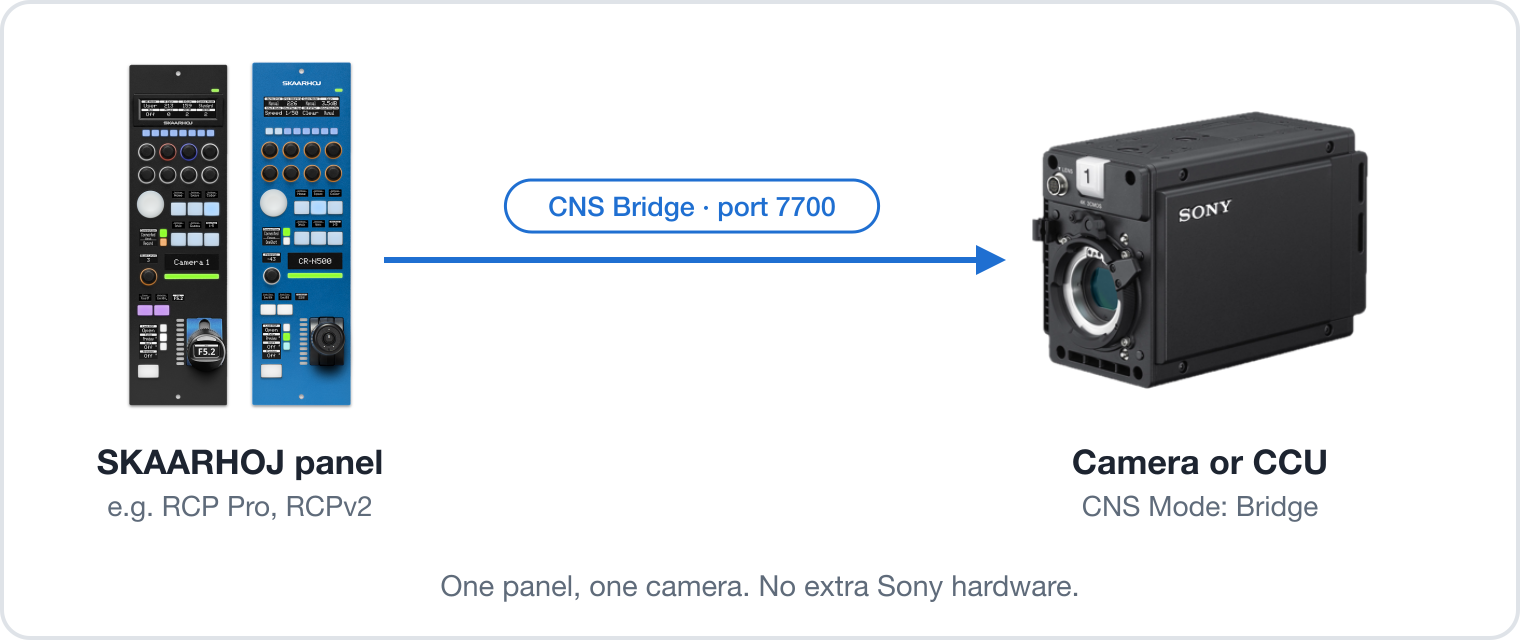
- On the camera / CCU: set CNS Mode to Bridge and give it a static IP address.
- In Reactor: IP = the camera / CCU, Port =
7700, CNS Mode on. The HDC-P50A and HDC-F5500 models use CNS even with the box unticked, but you still have to change the port from 7800 to 7700. - Bridge mode links one panel to one camera. To share a camera with a Sony RCP, use MCS mode.
C. CNS MCS mode
In a Sony multi-camera system (MCS), a master unit decides which RCP controls which camera. Reactor joins as one more RCP: it registers with the master, looks up the CCU there, then connects to that CCU directly.
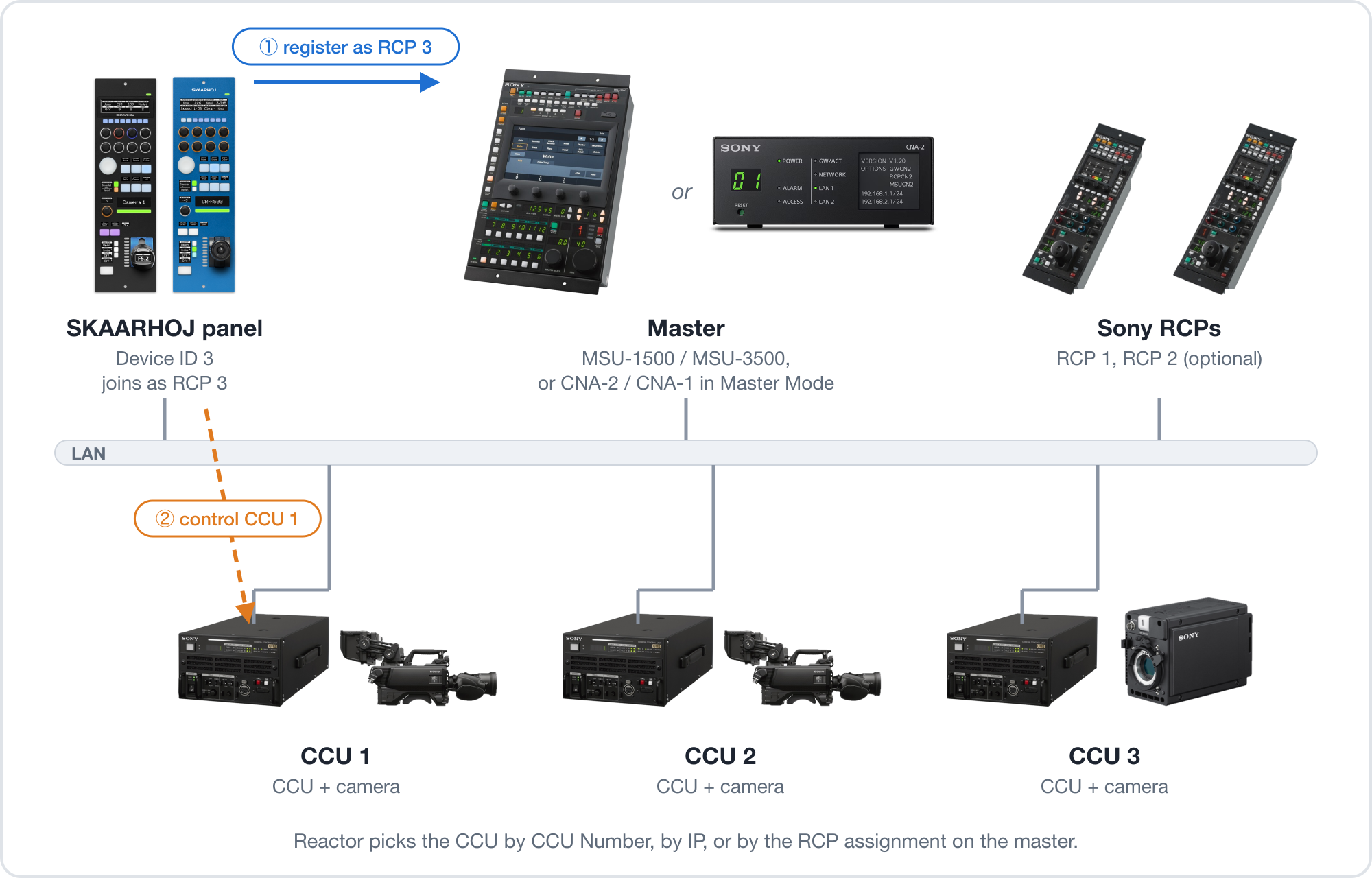
You need a master. Reactor can't be the master. Use one of these:
- MSU-1500 or MSU-3500 in MCS Mode: Master
- CNA-2: System Mode Management, CNS Mode MCS, Master Mode On
- CNA-1: CNS Mode MCS, Master Mode Enable
Set all CCUs and Sony RCPs to MCS mode: Client, with the master's IP and a unique number each.
In Reactor:
- MSU IP: the master's IP. This turns on MCS mode for the device.
- Device ID: used as the RCP number. Pick one that no Sony RCP, CNA or other Reactor device uses. It doesn't have to match the CCU number: in the diagram, RCP 3 controls CCU 1.
- Port:
7700.
Choose the CCU this device controls in one of three ways. Reactor uses the first one that is set:
- CCU Number: the number of the CCU, as set on the CCU and shown on the master (1–255). Reactor connects to that CCU directly. This also works for CCUs that have no IP of their own, such as fiber or triax cameras behind a CNA-1.
- IP: the IP of the CCU. Reactor asks the master for its online CCUs and connects only to the one with this IP. This doesn't work for CCUs without an IP of their own.
- Neither set (CCU Number
0, IP empty): Reactor uses the RCP assignment on the master. By default, RCP n controls CCU n.
If you set both CCU Number and IP, Reactor uses the CCU Number and ignores the IP.
Supported models
| Model in Reactor | Setup | Status |
| HDC-P31 | A (SSCP via CNA) | Beta |
| HDC-P50A | B or C | Beta |
| PXW-Z750 | B (tick CNS Mode) | Beta |
| HDC-F5500 | B or C | Early |
| Generic | A, B or C | Only if no listed model is close |
Troubleshooting
- Values show up, but the camera ignores changes (SSCP): Panel Active Function is enabled on the CNA. Disable it.
- No connection in Bridge or MCS mode: the port is probably still 7800. Set it to 7700.
- MCS device stays disconnected: the master doesn't know the CCU you selected. With CCU Number set, check the number against the CCU. With IP set, no CCU on the master has that IP: check the CCU's IP, or use CCU Number instead.
- MCS device connects, then drops right away: another RCP, CNA or Reactor device uses the same number. Change the Device ID.