
Controlling Sony Cameras
SKAARHOJ controllers support Sony cameras through five device cores. Which one you need depends on the camera. Find your camera in the table below, then read the section for its core.
Camera not listed? It may still work. Add it with the core for its camera family and choose the most similar listed model. Use the core's Generic model only if no listed model is close. Please let SKAARHOJ support know whether it worked.
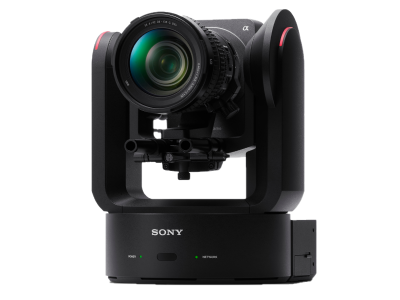
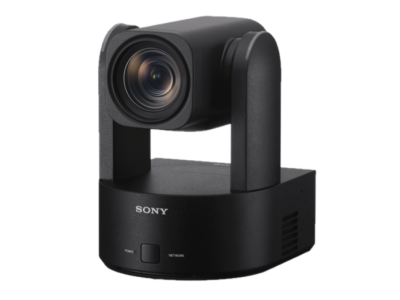
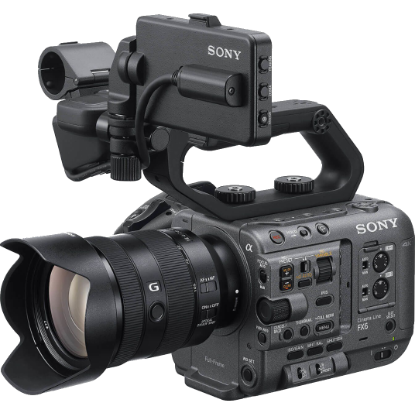
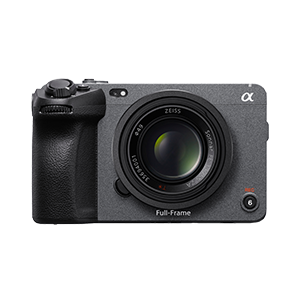
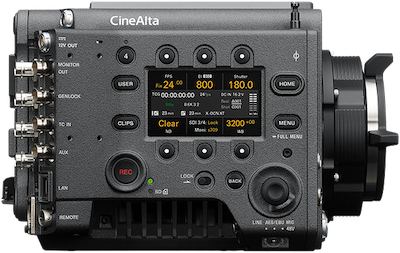
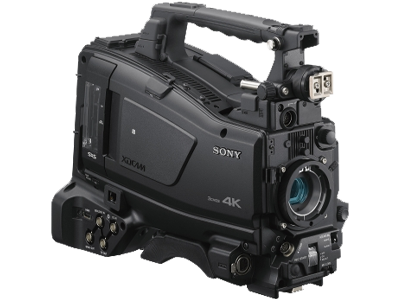
Which core for my camera?
| Camera | Connection | Status |
| PTZ cameras · Sony PTZ (core-sony-ptz) | ||
| ILME-FR7 / FR7K | Network | Tested · article |
| BRC-AM7 | Network | Tested |
| SRG-A12, SRG-A40 | Network | Tested |
| Other Sony PTZ cameras · Visca PTZ (core-protocol-visca) | ||
| BRC-X400 | Network | Tested · PTZ Trace |
| BRC-X401, BRC-X1000, BRC-H900, BRC-H800, BRC-H780, BRC-Z700, SRG-X400, SRG-300, SRG-XB25 | Network | Beta |
| Mirrorless and Cinema Line · Sony Camera RemoteSDK (core-sony-remotesdk) | ||
| FX3, FX2, A7 IV | USB | Tested · article |
| A6700 | USB | Tested |
| FX30 | USB | Beta |
| FX3A | USB | Early |
| FX6 | Network (USB-C Ethernet adapter) | Tested · article |
| BURANO, PXW-Z300 | Network | Tested |
| PXW-Z200, HXR-NX800 | Network | Early |
| Cameras with a Sony web interface · Sony Websocket (core-sony-websocket) | ||
| VENICE 2 | Network | Tested |
| VENICE | Network | Beta |
| FX9 | Network (XDCA-FX9 unit) | Early |
| PXW-Z750, PXW-Z280, FS7 | Network | Early |
| System and studio cameras · Sony RCP (core-sony-rcp) | ||
| HDC-P31, HDC-P50A, PXW-Z750 | Network | Beta · article |
| HDC-F5500 | Network | Early · article |
Tested: released and tested. Beta: working, still in testing. Early: early stage, expect missing features.
Sony PTZ (core-sony-ptz)
For Sony PTZ cameras over the network (VISCA). The core adds presets, PTZ Trace and joystick speed control.
- FR7: enable VISCA with the DIP switch. For tally from a Blue Pill, enable External Tally in the camera's web interface.
- FR7 joystick speed: for the fastest moves, set
CAM_PTSPEEDSTEP = 9,CAM_PTSLOWMODE = offandCAM_PTRAMPCURVE = Extend. - With NDI|HX turned on, Reactor finds the camera automatically. No NDI license is needed for this.
Visca PTZ (core-protocol-visca)
For Sony PTZ cameras that the Sony PTZ core doesn't list, such as the BRC-X400. Visca PTZ is SKAARHOJ's general VISCA over IP core and also controls PTZ cameras from other brands.
Sony Camera RemoteSDK (core-sony-remotesdk)
For mirrorless and Cinema Line cameras, using Sony's Remote SDK. This core is still in pre-release.
USB cameras
Connect the camera to a USB-A port on the SKAARHOJ panel with a USB-C to USB-A cable, and enable that port in the panel settings. For several cameras, use a powered USB hub. USB cameras are not found automatically, so add them in Reactor by hand.
Mirrorless setup: FX3, FX2, A7 IV →
Network cameras
On the camera, turn on Wired LAN, set Remote Control to On and give it a static IP address.
FX6: the camera has no Ethernet port. Use a USB-C Ethernet adapter with a Realtek RTL8153 or AX88179 chip. Other adapters often don't work and can crash the camera. That includes the AX88179A.
Sony Websocket (core-sony-websocket)
For cameras with a Sony web interface. The core controls the camera through that interface.
- The FX9 needs the XDCA-FX9 extension unit for network control.
- With the FX9 model, the core also opens a second connection to the camera over Sony CNS (port 7700), and sets gain through it. If you don't need this, turn on FX9: Disable CNS in the device settings.
- For a camera that isn't listed, start with the FS7 model if it has the older web interface, or the PXW-Z750 model if it has the newer one.
Sony RCP (core-sony-rcp)
For system and studio cameras. The panel works like a Sony RCP: shading, iris, gain, shutter and white balance. Reactor reaches the camera in one of three ways:
- SSCP through a Sony CNA-1 or CNA-2
- CNS Bridge mode, directly to the camera (experimental)
- CNS MCS mode, through an MSU or a CNA acting as master
The setups page has diagrams, the CNA and MSU settings, and troubleshooting for each way. The PXW-Z750 also works with Sony Websocket. Choose Sony RCP if you want RCP-style shading.
In development: GMCS through the CNA-2 Web API. Contact SKAARHOJ support for test access. Sony requires the HZC-GWCN2 license on the CNA-2 to use its Web API.
Using the cameras on a panel
Once the core is added, Sony cameras work with the default Generic Camera Control configurations like any other camera, and you can mix them with other brands on one panel. See Default Configurations, Camera Select, External Camera Select and RCP Pro / RCPv2 :: Control more than 8 cameras. For PTZ cameras, see also PTZ Trace and PTZ Playlist.