TSL Toolbox Application
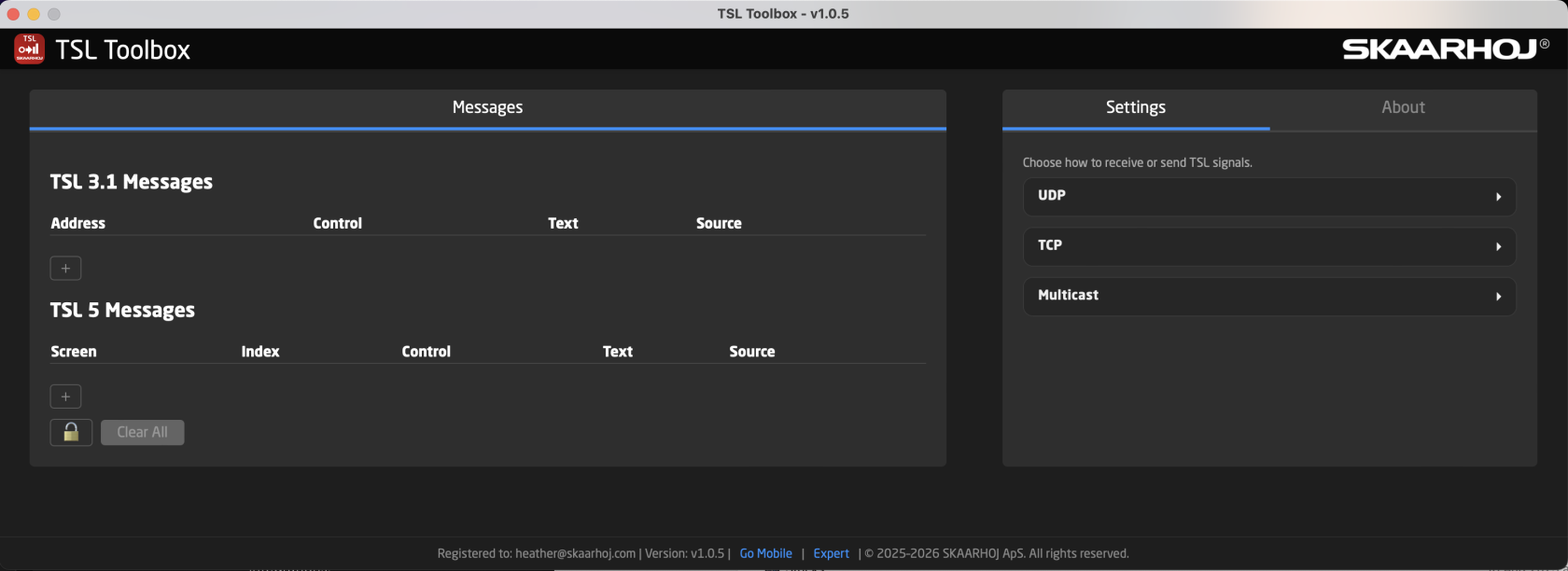
TSL Toolbox is a small monitor/bridge for TSL tally data. It receives, edits, and forwards TSL 3.1 (fixed 18-byte frames) and TSL 5 messages across UDP, TCP (server & client), and multicast. It allows for seeing live messages, edit them inline, and configure I/O endpoints. It is available as both a desktop application and a Blue Pill application. The desktop app is available for MacOS, Windows, and Linux. https://devices.skaarhoj.com/desktop-apps
A full application manual is available from the About section of the application's interface.
TSL Versions
TSL 3.1

Allows for setting the Address, Bit On/Off, Brightness, and Text.
TSL 3.1 text is ASCII, fixed at 16 characters.
TSL 5.0

Allows for setting Screen, Index, Position, Bit Color, Brightness, and Text.
TSL 5 is ASCII only (no UTF-16).
Settings save automatically. In expert mode, Reload All restarts all endpoints.
Communication Protocols
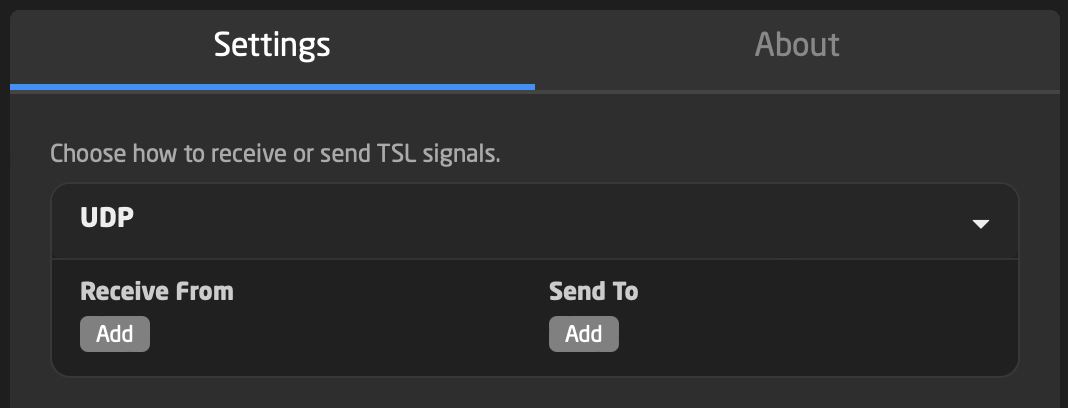
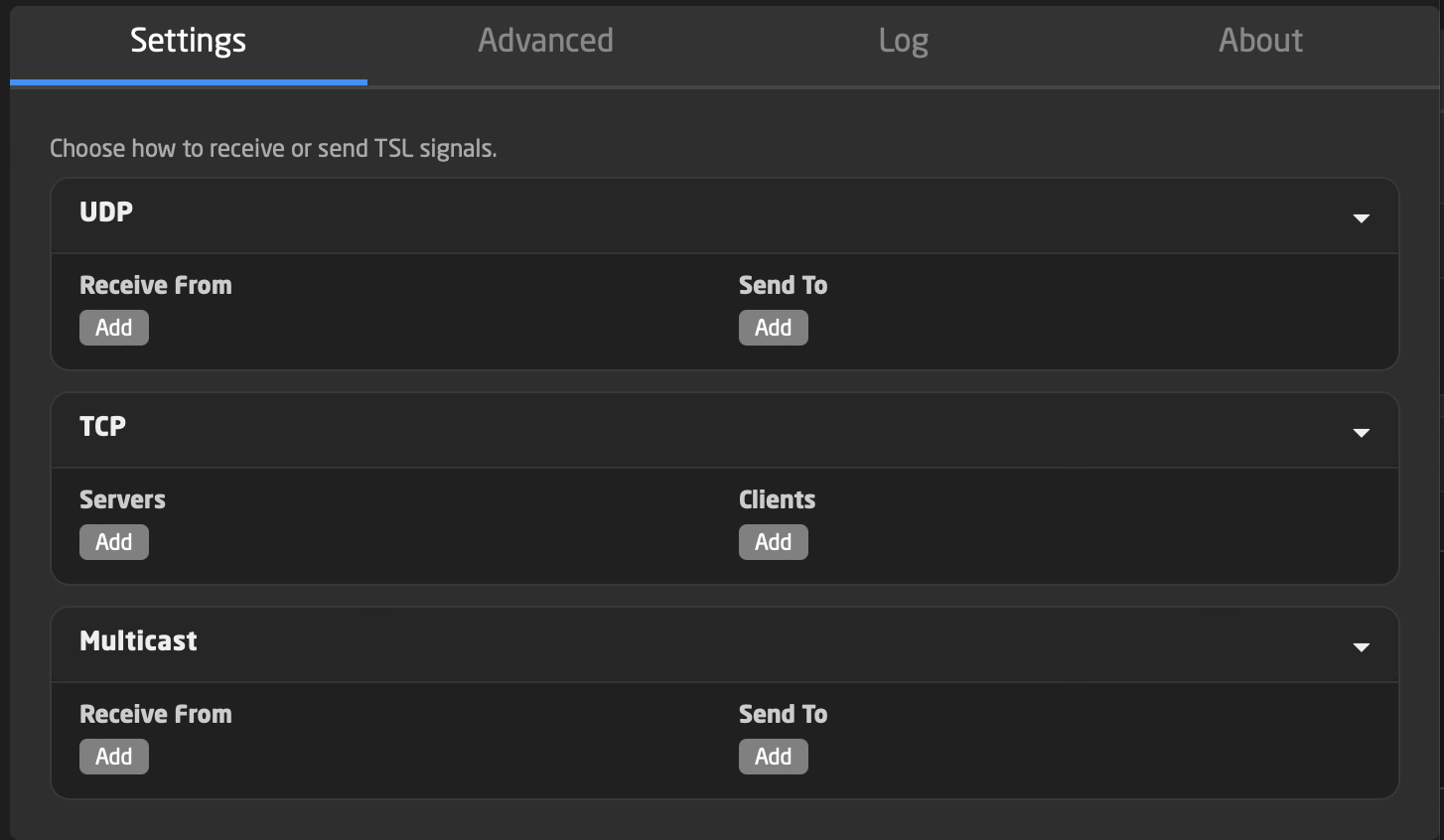
It is only possible to set up one protocol type, listening or sending when in the default mode.
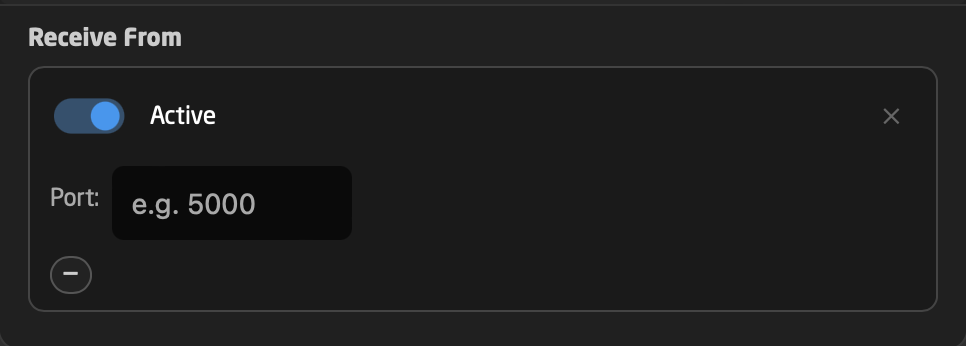
UDP
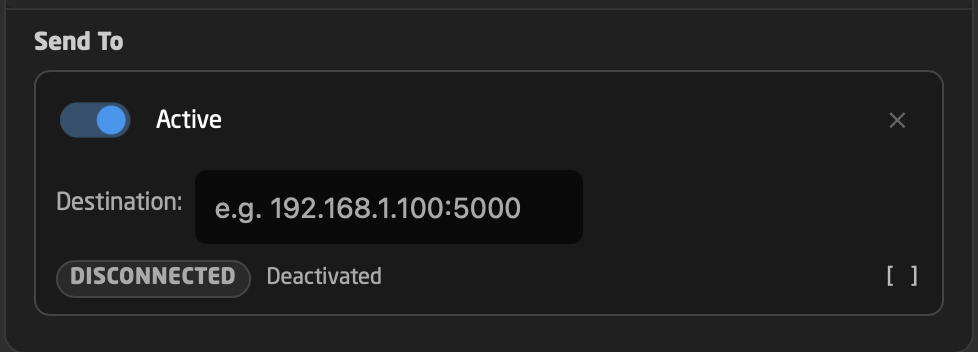
TCP
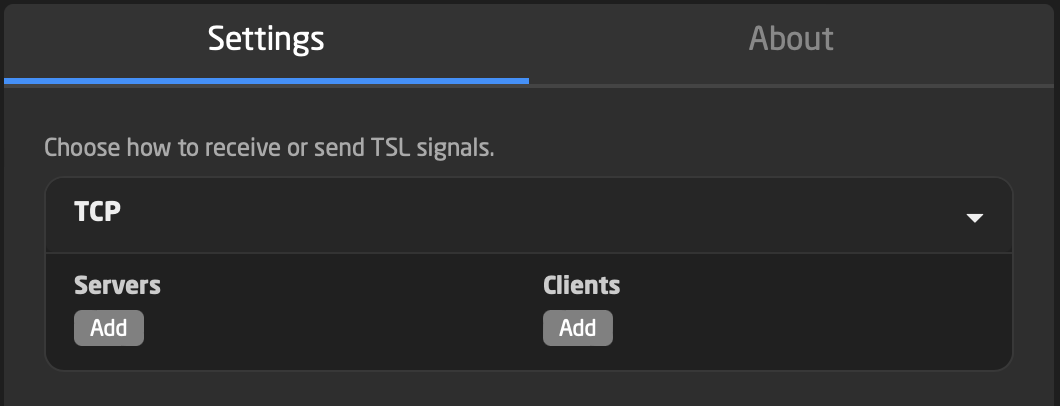
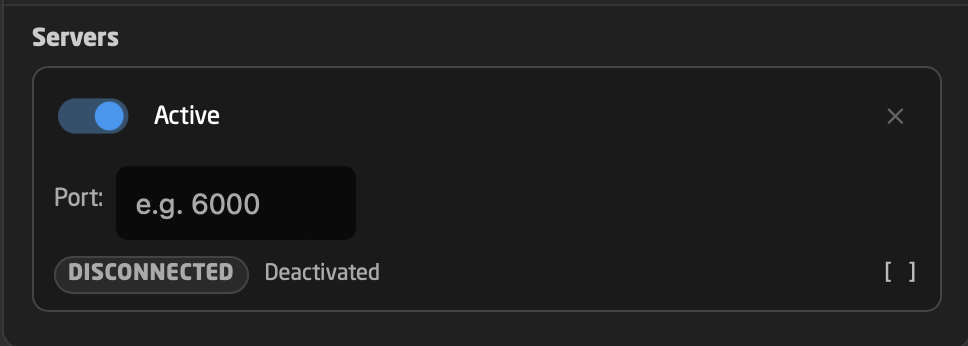
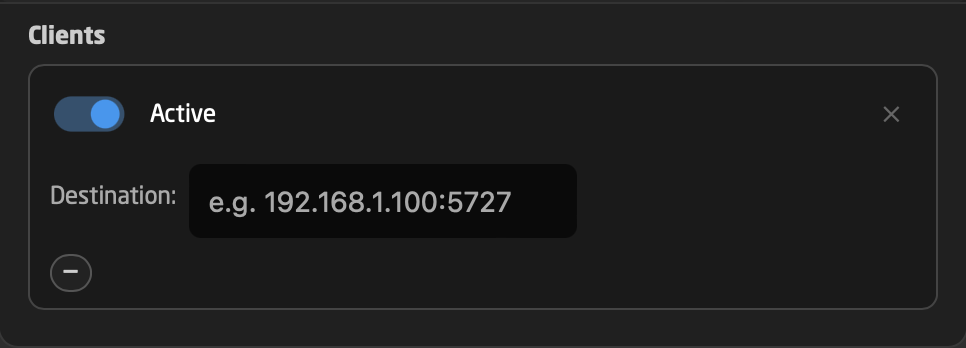
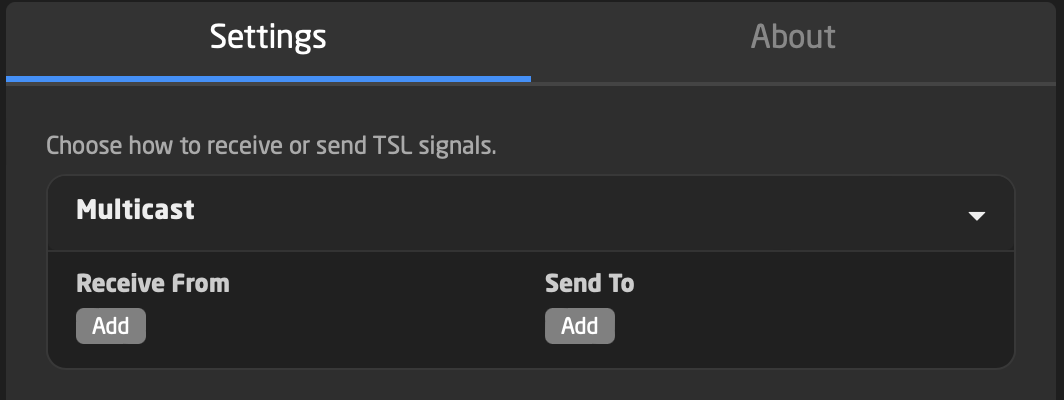
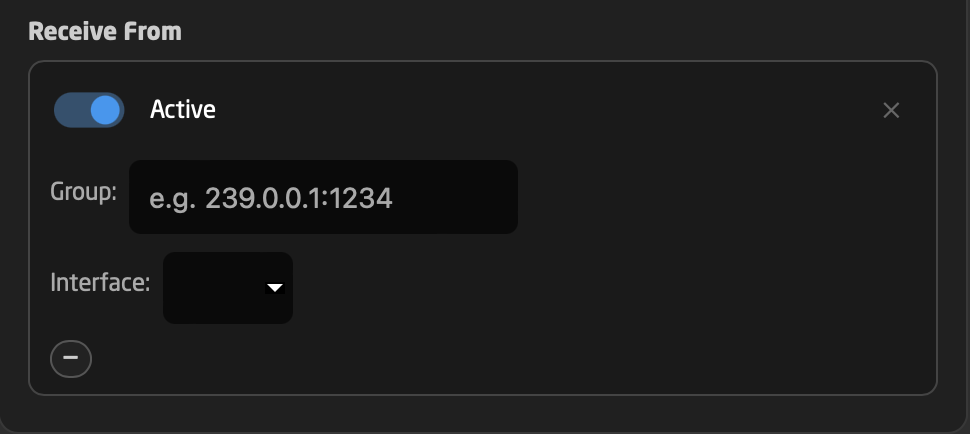
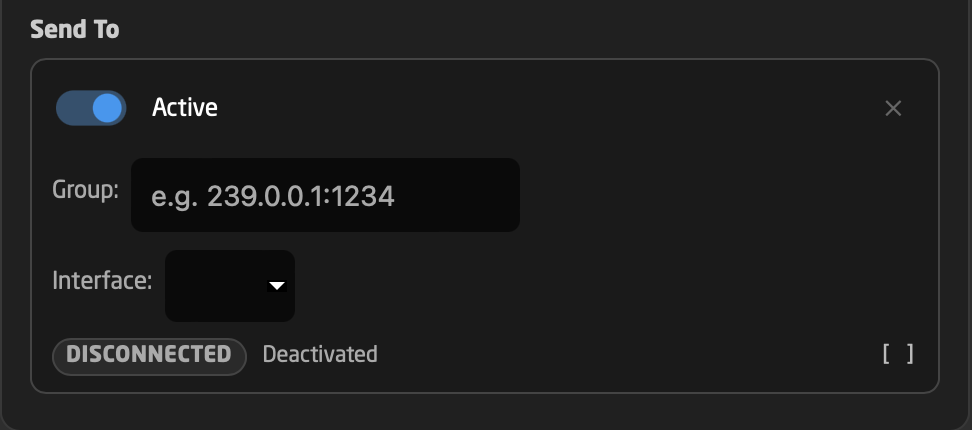
Multicast
Expert Mode
If a more advanced setup is needed, it is enabled at the bottom of the interface.
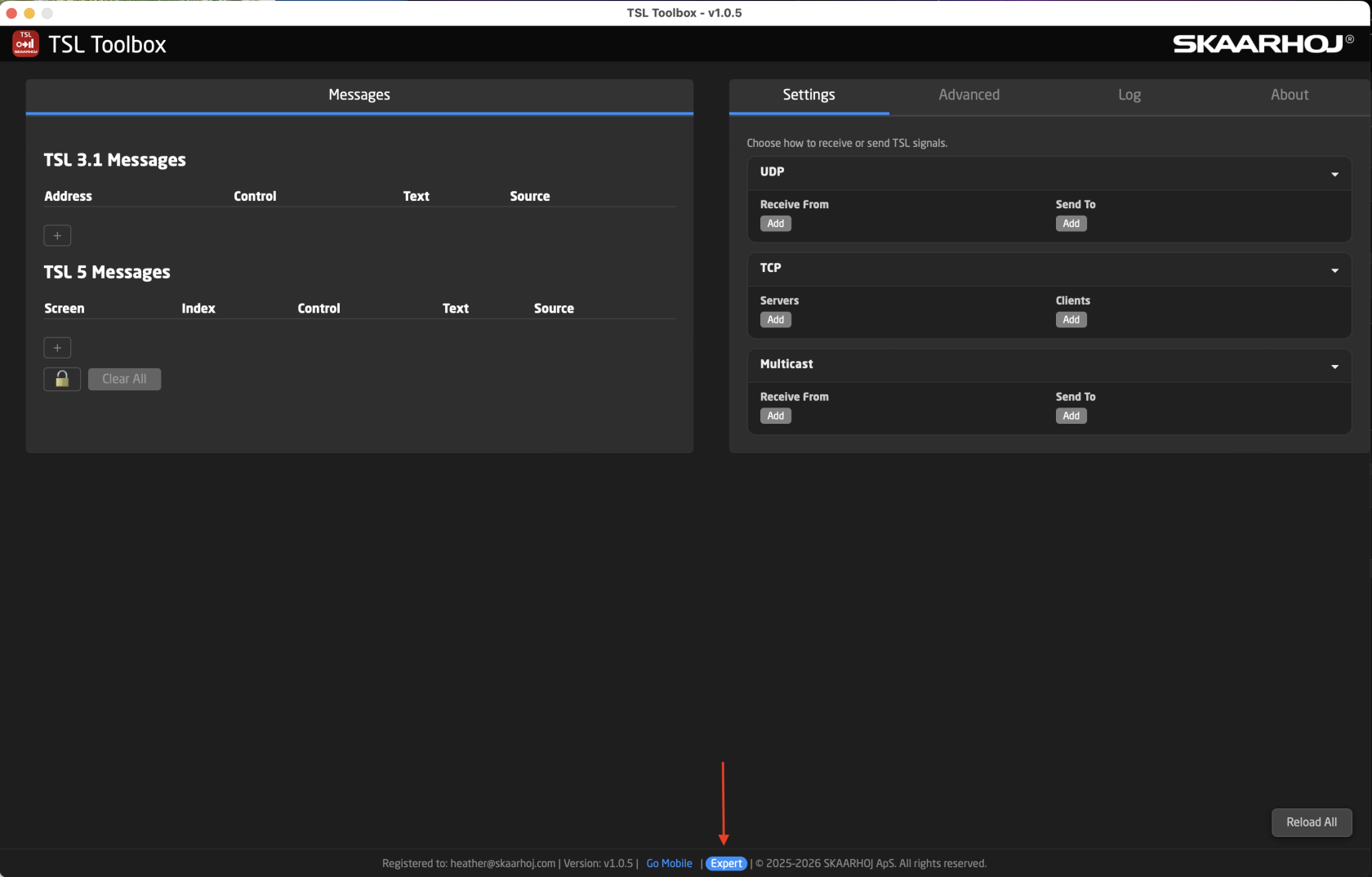
Expert Mode unlocks the ability to set up listening and sending using multiple protocols.
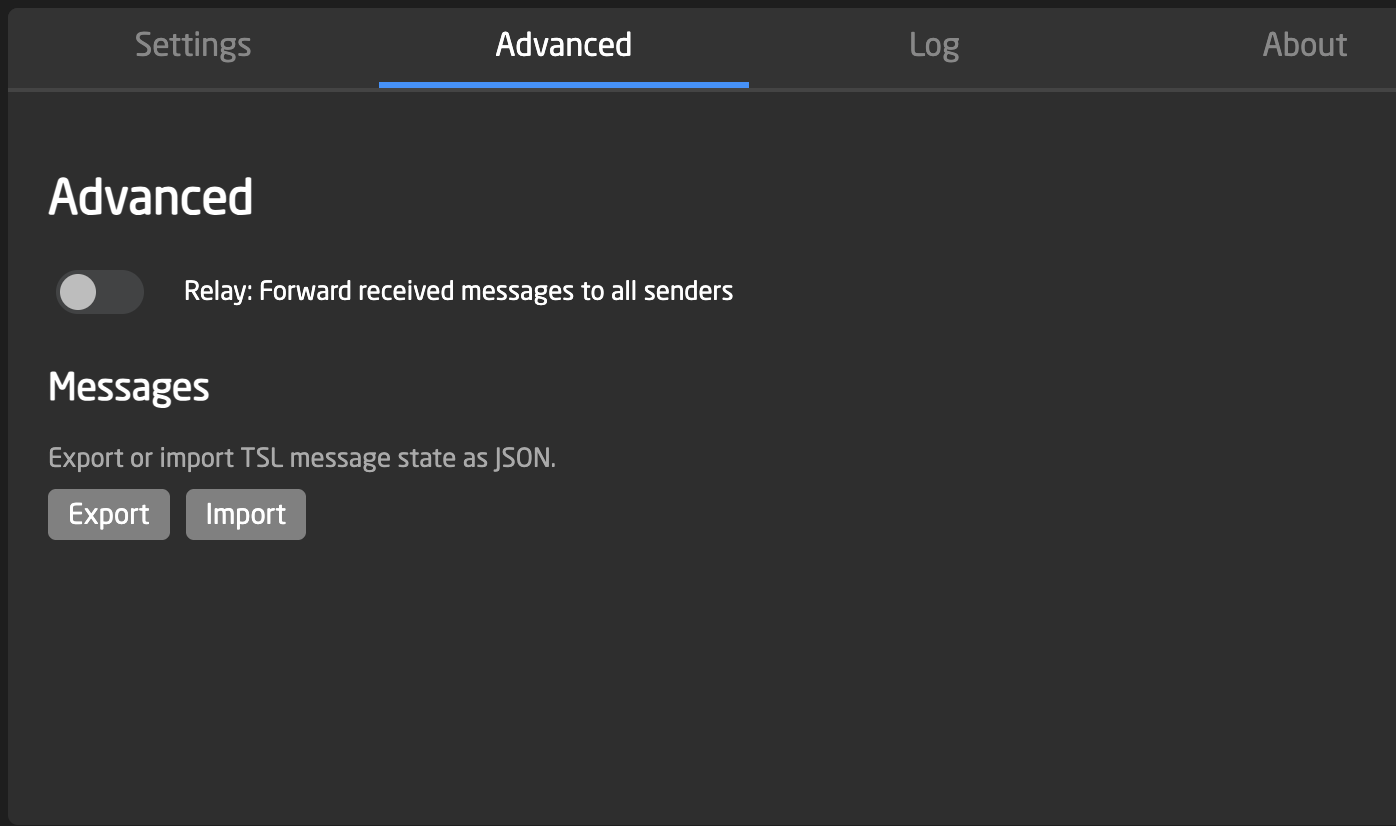
In the Advanced section of Expert Mode it is possible to forward messages and import/export TSL message state as JSON.
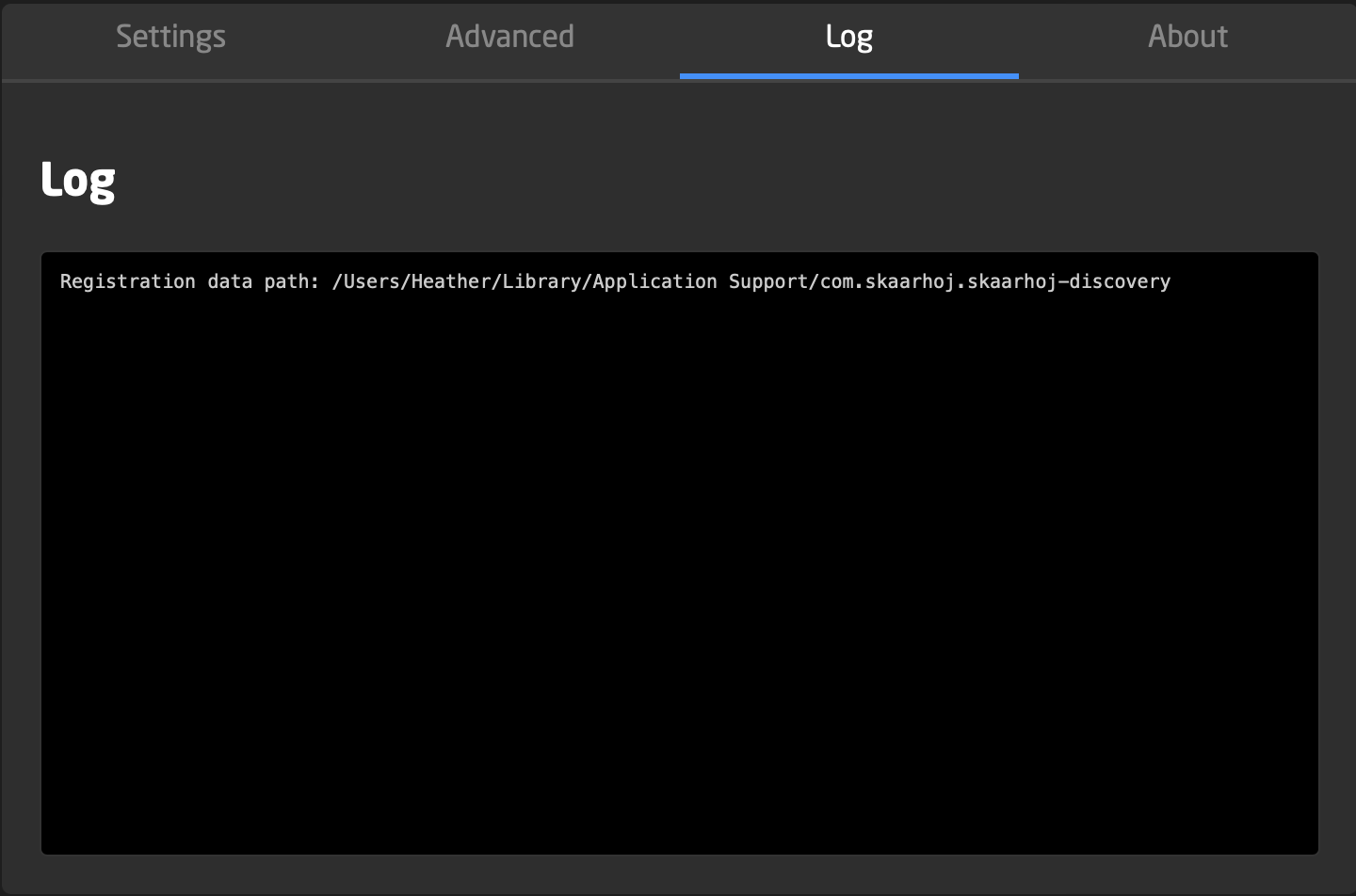
It is also possible to see diagnostic logs.